Restore a Database
Open Microsoft SQL Server Management Studio and connect to the SQL Server instance. In the Studio, expand the instance.
Right-click Databases and select Restore Database…:
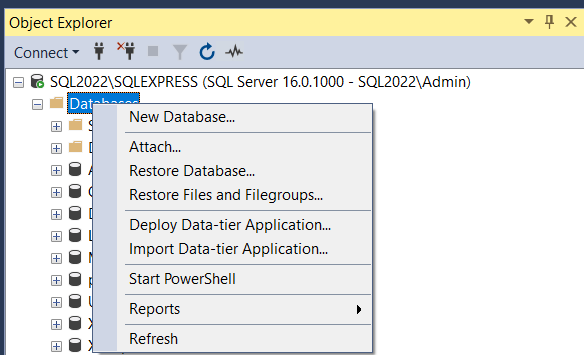 |
In the Restore Database window, select Source, Device and then click the browse […] button next to the Device field:
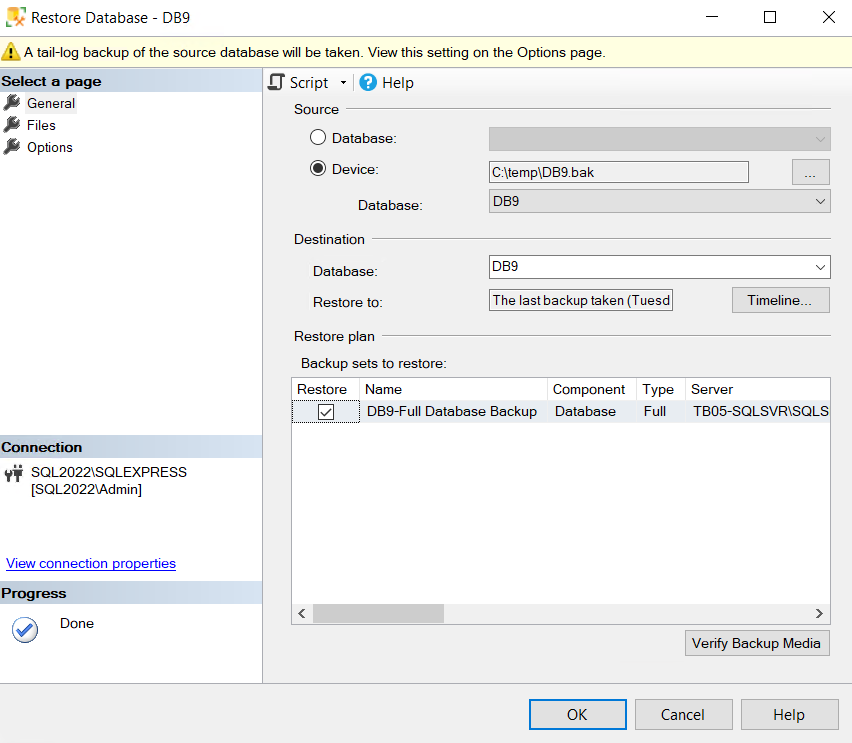 |
Browse to the .bak file location that you would like to restore and click OK. Click OK again to begin the database restore.