User Interface
The interface consists of a left view and a right view. The left view is where the templates and settings are selected and the right view shows the completed report.
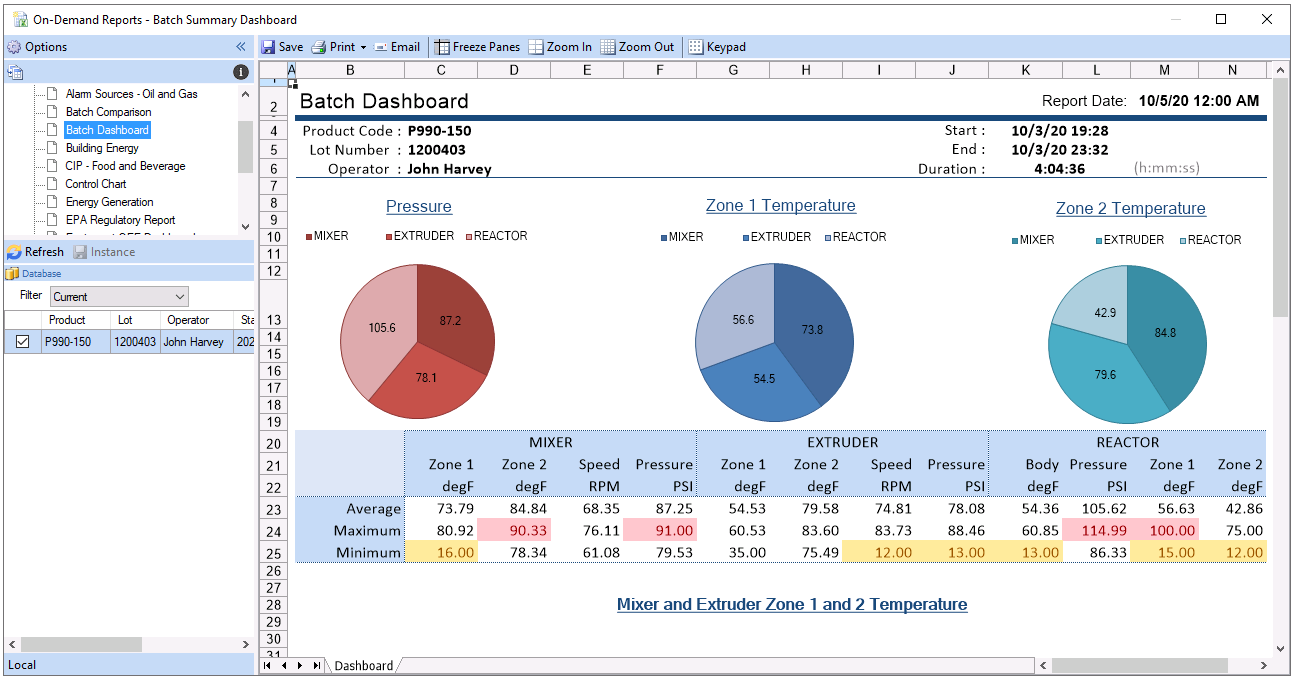 |
Left View
The left view contains the templates assigned to the user logged on (if User Security is enabled) and a user entry panel(s) to determine the content of the display.
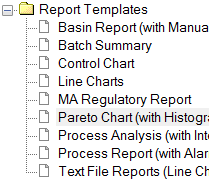 |
Toggle View 
If categories are defined in the project, click this option to toggle between standard and category view for the list of report templates.
Collapse/Expand 

These buttons expand and collapse the left panels.
Save
This option opens the Save dialog to save the report (see Saving Reports).
This option opens the Print dialog to print the report (see Printing Reports).
This option opens the email configurations defined in the project (see Emailing Reports).
Freeze Panes and Zoom
Freeze Panes adds and removes horizontal and vertical freeze panes at the location of the currently selected cell. This is a convenient way of keeping part of the report content fixed on the display while scrolling across or down.
Zoom options zooms into and out of the report. Note that once the zoom factor is changed it is applied to any other report you select.
Refresh
This option triggers an update of the report which in turn refreshes of the main display with the new report.
Instance
To save the current settings for a particular template, click Instance and enter a Name and Description. The instance Name appears as a branch to the template which, when selected, will reloads the settings for all the parameters.
For the Date panel, the settings saved when the instance is created are used to calculate an overall duration. When the instance is reloaded, the settings loaded are based on the calculated duration saved and the current date and time.
For example, if the instance is saved with a start date and time as January 1st, 2024 at midnight and an end date and time as January 3rd, 2024 at midnight (2 days), if this instance is reloaded on February 14th, 2024 at 9:00 AM, the start date and time is loaded as February 12th, 2024 at 9:00 AM and the end as February 14th, 2024 at 9:00 AM.
Instances can be used to generate reports that require parameters using the XLReporter REST API. The Templates method delivers each template/instance combination with the syntax:
Template | Instance
To generate a report from the template with the instance using the Report method, the template setting should be specified with same Template | Instance syntax.