Quick Access
The direct method to access history data groups is to use the Connector Group application for creating and modifying Data Groups. From the Project Explorer on the right-side Tools tab, in the Connect section select Connector Groups to display all the connectors defined for the project and the data groups that are using them.
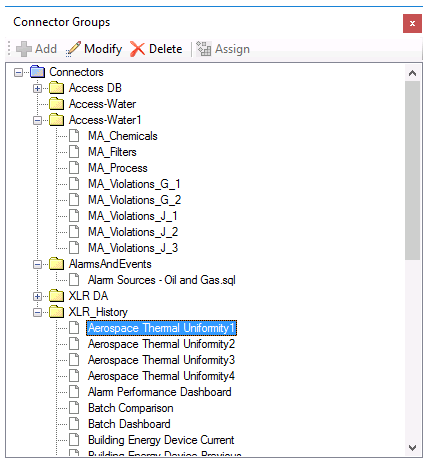 |
If a data group references a connector that does not exist, it is displayed with a red image. In this case, the group can be re-assigned to a different connector by selecting Assign and choosing the new connector.