Verify the Data Connector
From the XLReporter Project Explorer select, Tools, Connector Groups
Select the Geo SCADA Alarms and Events connector and then select Add.
Set the Type Raw Values and click OK.
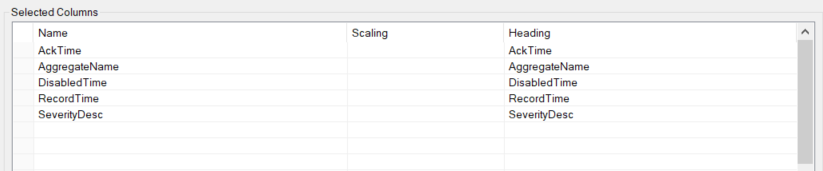
On the Columns tab of the group
Select the first row under the Name column
Click the browse pushbutton (…)
In the Tag Browser expand Online, All Event and add Items from the lower left.
Click OK to add these to the group
Select Preview, pick a Start date and click Refresh.