File Transfer
If the text files are in a remote location e.g., Operator Terminal or Data Logger, they can be scheduled to be transferred to the local machine.
 |
Check Enable File Transfer and click Settings button to open the File Transfer Settings.
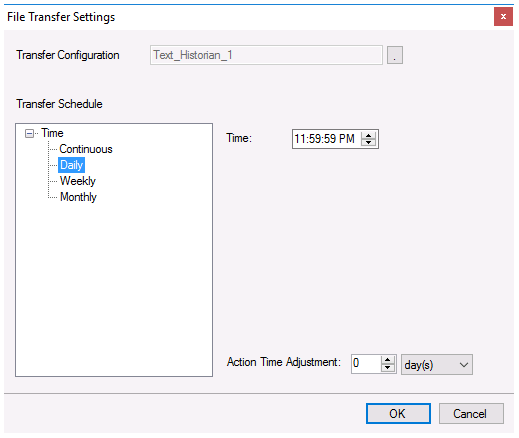 |
Transfer Configuration
The Transfer Configuration is set to the name of the connector. Click the browse button […].
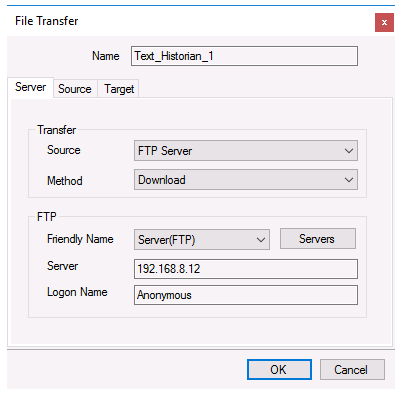 |
For details on File Transfer, see the Transfer Reports to an FTP Server document.
Transfer Schedule
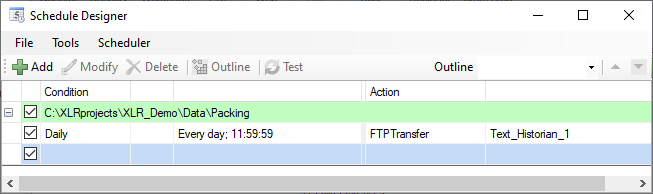
Clicking OK for the File Transfer setting creates a new line into the schedule. This can be viewed and modified from the Schedule Designer.
 |