Prerequisites
Verify Communication
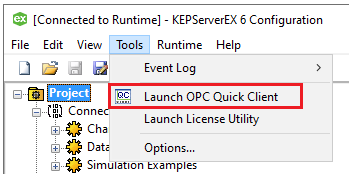
From the Kepware program group, open the KEPServerEX Configuration application then select Tools, Launch OPC Quick Client.
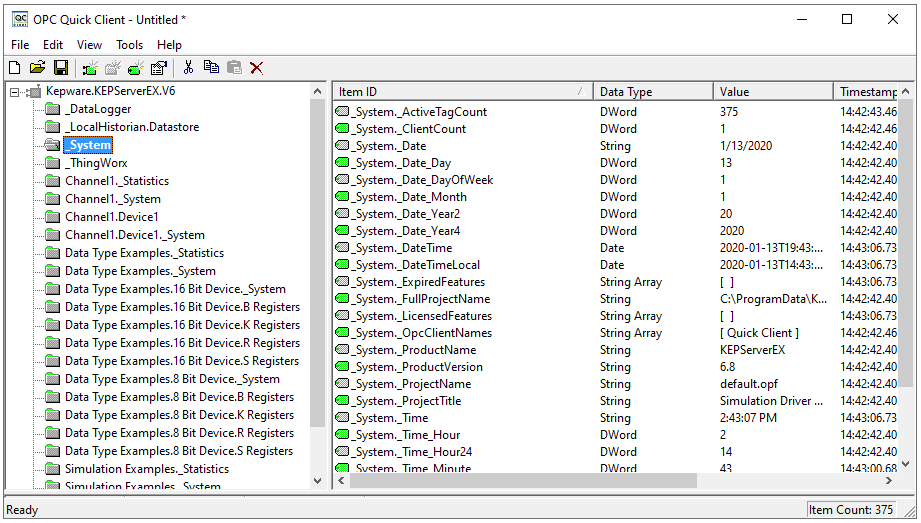
Expand Kepware.KEPServer.EX.V6, then a folder like _System.
Verify the tags have a good quality data value.
If at any point you experience an issue with this client, contact Kepware technical support to troubleshoot and correct these issues.