Connect
XML elements retrieve values from a workbook when they are generated.
Single Value
An element is configured by adding a cell reference to the Value field of the element as follows:
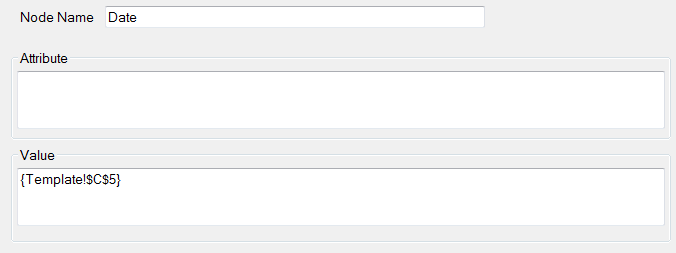 |
In the above, the Date element will get its value from the value displayed in Template!$C$5.
Keywords
The keyword {date}, when used, will evaluate to the universal date in the form yyyy-mm-dd.
Special Characters
XML has the following special characters.
Special Characters | |
|---|---|
Quotation Mark “ | Use " |
Ampersand & | Use & |
Apostrophe ‘ | Use ' |
Less Than < | Use < |
Greater Than > | Use > |
If Value references cells containing a special character, the replacement is performed automatically.