Decommissioning an XLReporter Site
Disable Mobile in User Settings
From the Project Explorer, under Security, open User Accounts. Provide the XLReporter Admin account. Select Mobile Gateway.
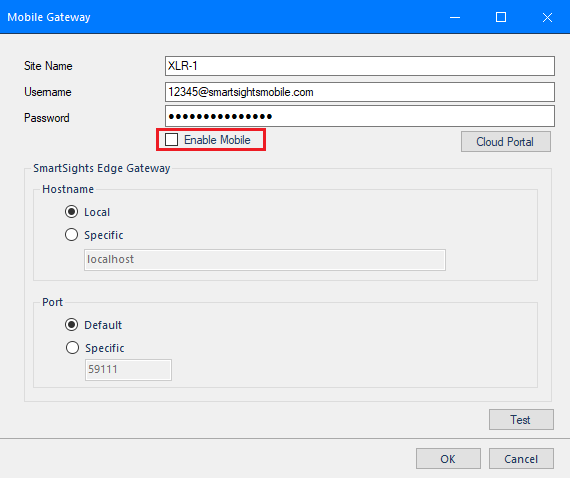 |
Uncheck Enable Mobile.
Remove the Site from the Cloud
XLReporter Machine Online
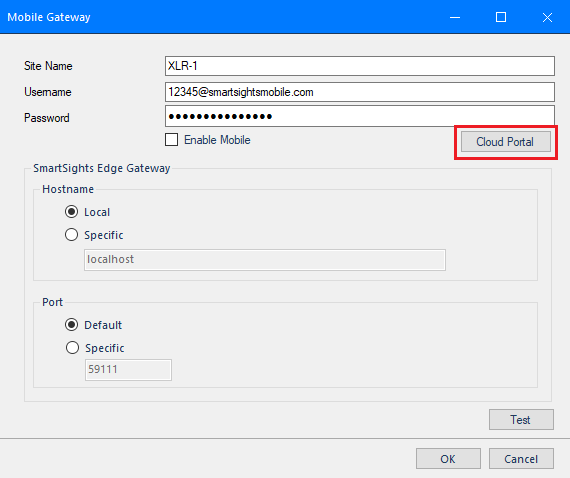 |
Click the Cloud Portal button. This opens a web browser to the cloud portal site.
Log in with the account you were provided with and delete the site.
Return to the Mobile Gateway dialog and click OK to complete decommissioning.
XLReporter Machine Offline
Before proceeding, click OK to the Mobile Gateway dialog and close User Accounts on the XLReporter machine.
Open a web browser and navigate to:
https://smartsights-cloud-api.azurewebsites.net/
Log in with the account you were provided with and delete the site.