Prerequisites
Verify OPC-UA Module
Ignition settings are available through a web browser. Open a web browser and navigate to:
localhost:8088
Log in to Ignition.
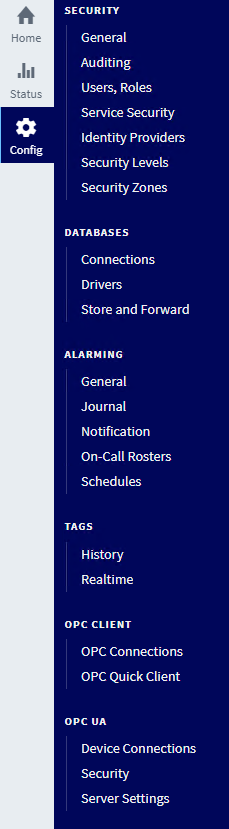
On the left, select Config, then under OPC UA select Server Settings.
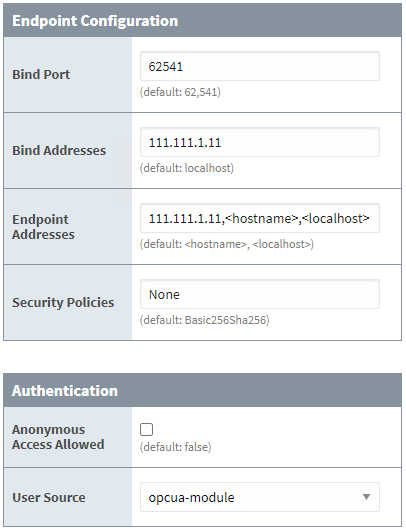
Set the Bind Address to the IP address of the machine where the OPC UA server resides.
Enter the same IP address as the first entry in the Endpoint Address field.
Set Security Policies to those you wish to support.
Click Save Changes.
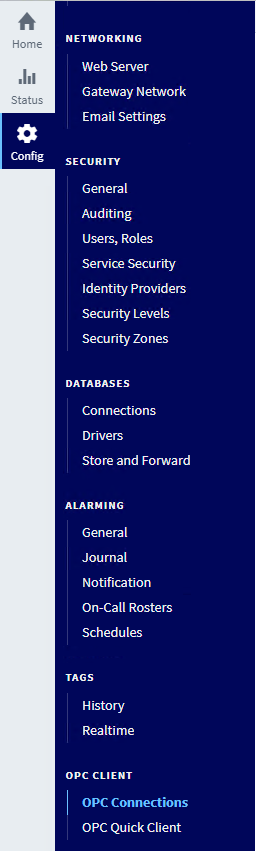
On the left, select Config. Under OPC CLIENT select OPC Connections.

Next to the Ignition OPC UA Server, expand the More drop-down list and select endpoint. If the Endpoint URL contains localhost replace it with the IP address of the machine where the OPC UA server resides.
Click Next three times.
Click Finish.
Click Save Changes.
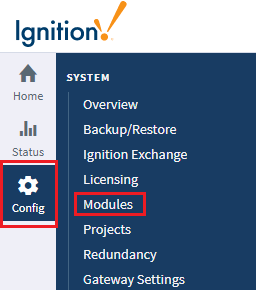
On the left, select Config, then under SYSTEM select Modules.
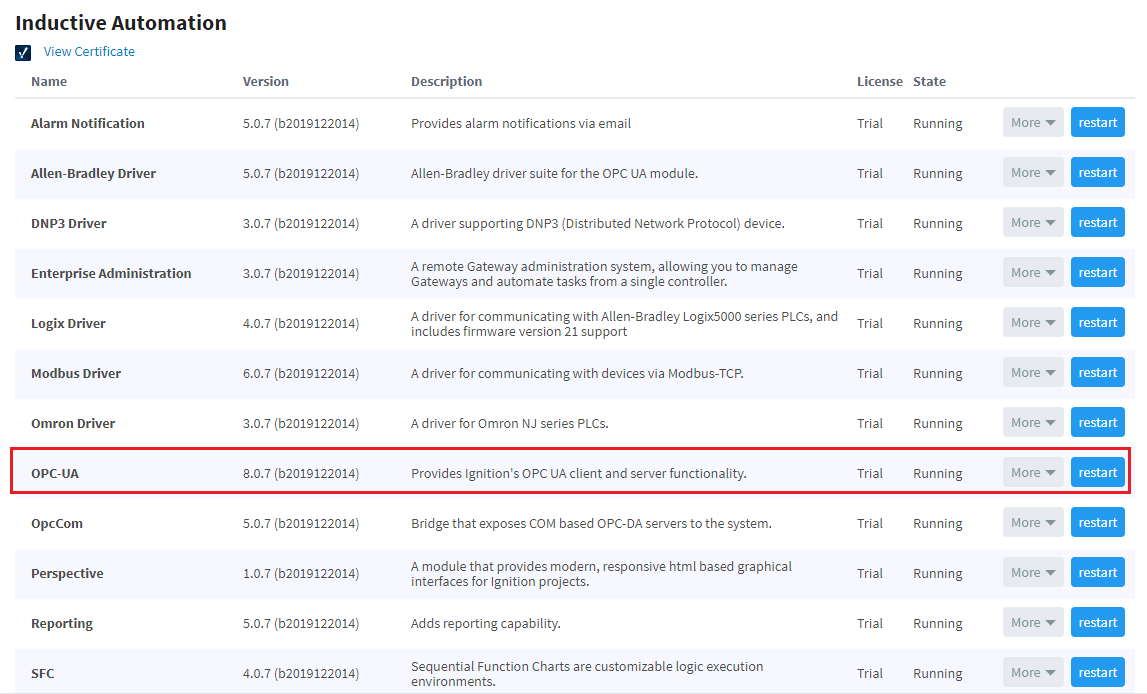
Make sure the State for the OPC-UA module is Running. If it is not, click the button to Start.