Overview
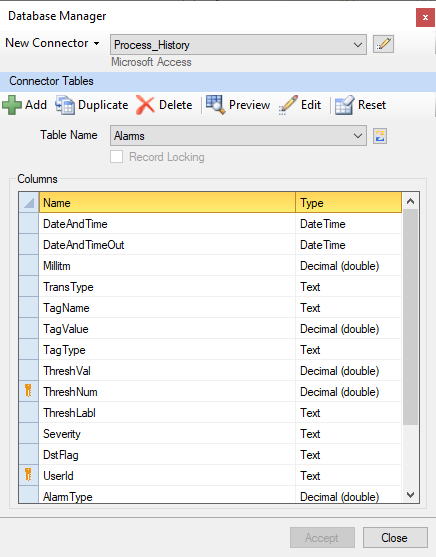
The Database Manager is used to manage tables and columns in a database without needing to know SQL programming. It can be used to create the tables required for Data Entry Forms or simply to edit/preview the contents of a database.
The application is opened from the right-side Tools tab of the Project Explorer by selecting Connect, Database Manager or from Tools, Database Manager under the Connect tab in the Template Studio.
 |