Connector
To configure the connector, from the Project Explorer select Connect, Connectors.
Click Add
Select Emerson Automation Solutions, DeltaV Event Journal Files
Click OK
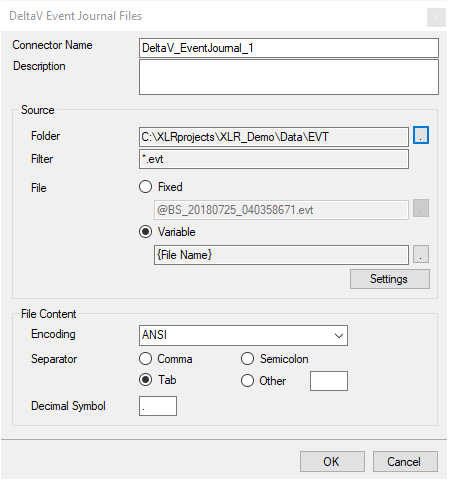 |
For details on the set up of this connector, see the DiscreteDiscrete section of the Text Files connectivity document.