Analytic Designer
The Analytic Designer is used to configure Analytics and optionally set them up to save their values to a database. The designer is opened from the right-side Tools tab of the Project Explorer under the Connect section by selecting Analytics.
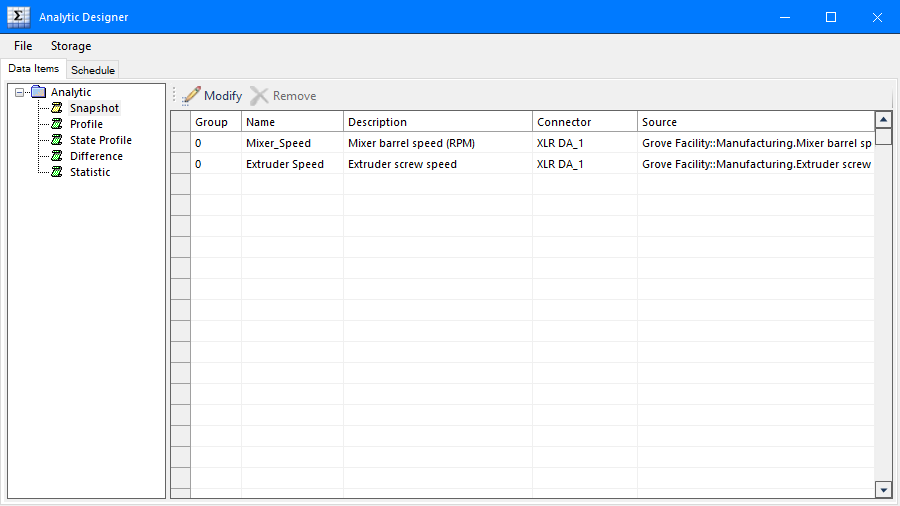 |
The display consists of the two tabs Data Items and Schedule.
To save changes click File, Save. If the Scheduler is running, it is automatically reloaded with any changes.
The Storage option is only enabled if an Analytic connector has been defined.
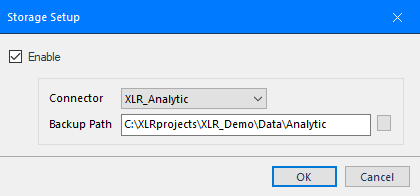 |
The Backup Path is used to cache analytic history in the event of communication failure. When communication is re-established, the cache is forwarded to the database of the Connector.