User Defined Variable
User Defined Variables are read-write Custom variables that hold numbers, text and timestamps that are not saved but rather persist only for a report cycle (~30 seconds). These variables are typically used on-demand but can be used for schedule reports when the variable values are set at runtime. This can be done by using the Set action in the Scheduler. In addition, these variables can be set by using the Data Management, Data Export To Variables and To Variable List functions.
The User Defined Variable types provided are:
Date
Time
Tag
Filter
Interval
Form
Custom
Date
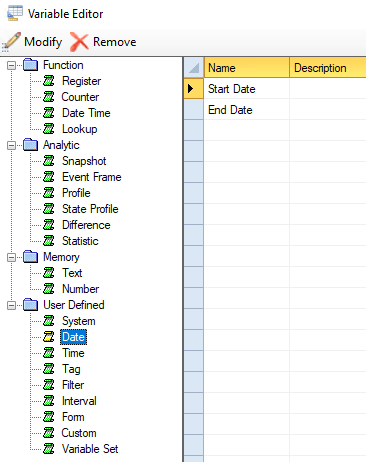
A Date type user defined variable can be referenced in a historical data group time period, database group filter, or other location to supply the value of a Date. For example, both Start Date and End Date are configured by default and used in the majority of On-Demand Reports.
 |
Time
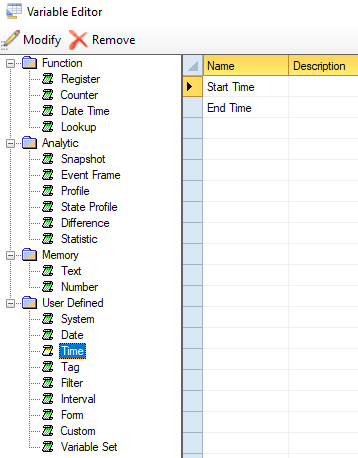
Similarly, a Time type user defined variable can be referenced in a historical data group time period, database group filter, or other location to supply the value of a Time. For example, both Start Time and End Time are configured by default and used in the majority of On-Demand Reports.
 |
Tag
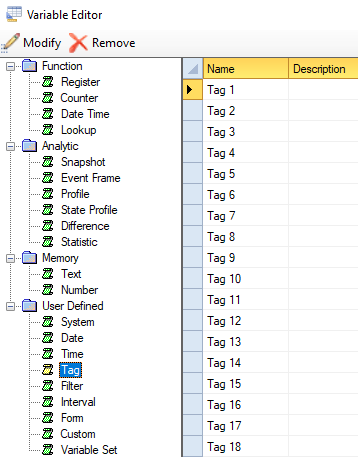
The Tag type variables are used in place of fully declared tag names when creating a new data group. These tags come predefined in every project.
 |
Filter
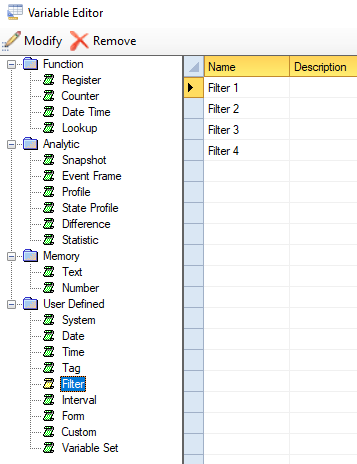
The Filter type variables are useable anywhere in the product, but the intended use is on the Filters tab of historical data groups and database groups.
 |
Interval
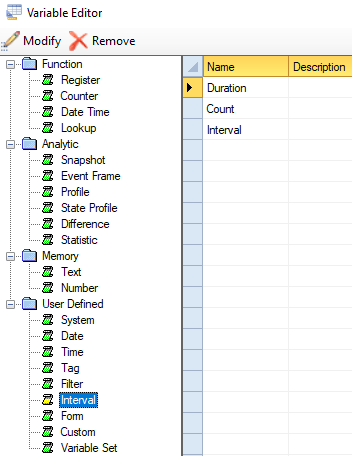
The Interval type variables are useable anywhere in the product, but the intended use is on the Time Period tab of a summary values historical data group in the Interval section.
 |
Form
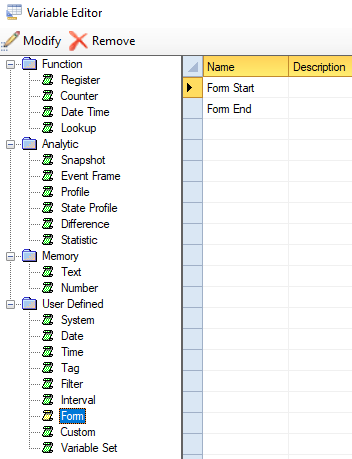
The Form type variables are used in the Manual Data Entry Forms templates. For example, the Form Start and Form End dates. These variables are configured by default in all projects.
 |
Custom
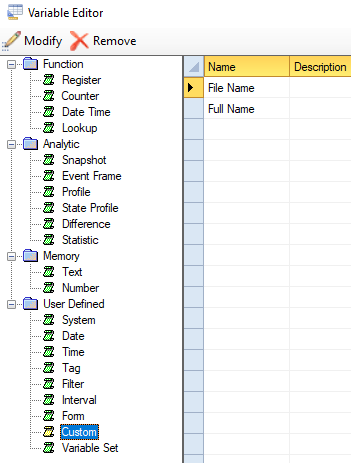
The Custom type variables are just that, custom fields that can be referenced anywhere in the product. The File Name and Full Name variables are included by default as they are used in the Text Discrete data connector.
 |