Verify Data Communication
To verify communication to WinCC OPC-DA, open the Project Explorer and select the Tools tab. Launch the System Check application.
Click Add
 |
Choose the WinCC OPC-DA connector from the dropdown list,
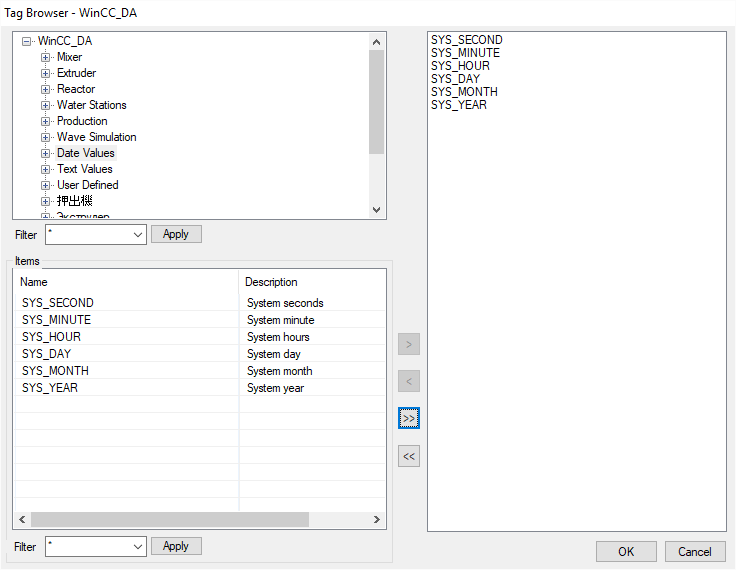
Click the pushbutton ([…]) next to Items to open the Tag Browser window.
Select one or more tags, click OK.
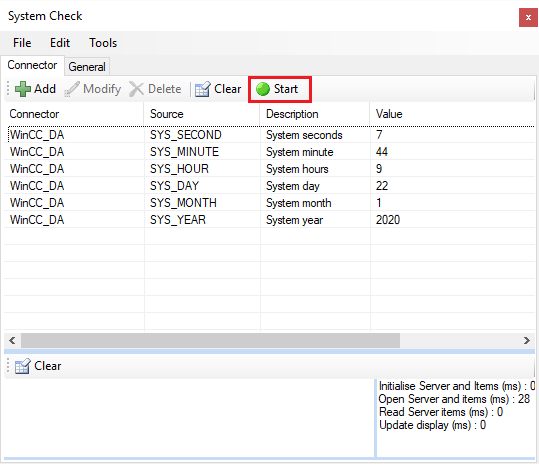 |
Click Start to verify the communication