Set up OPC DA Server
The OPC DA server in Plant SCADA is defined in the Plant SCADA Studio. To open, from the AVEVA Plant SCADA program group, select Plant SCADA Studio.
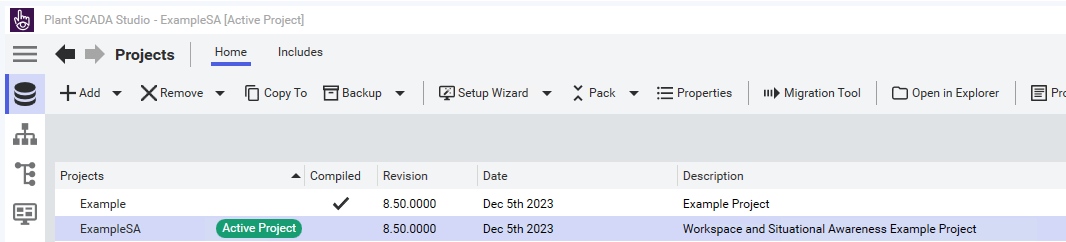 |
In the Studio, select your project and set it as the Active Project.
 |
Select the Topology icon on the left as shown in the above image.
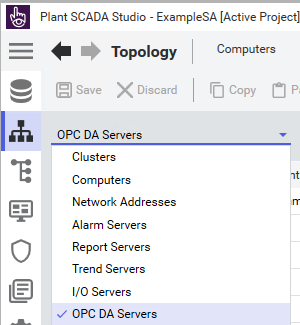 |
Using the Topology dropdown list, select OPC DA Servers
Using the table on the right, configure the settings for your OPC DA Server:
 |
After configuring your OPC DA server, Save at the top of the Topology page.
Debug and Start the AVEVA Plant SCADA application using the Play button on the left.