Verify Data Communication
To verify communication with the Alarms and Events Server, open the Project Explorer and select the Tools tab. Open Connector Groups.
Select the Cimplicity Alarms connector and then select Add.
Set the Group Type to Raw Values and click OK.
Under the Columns tab:
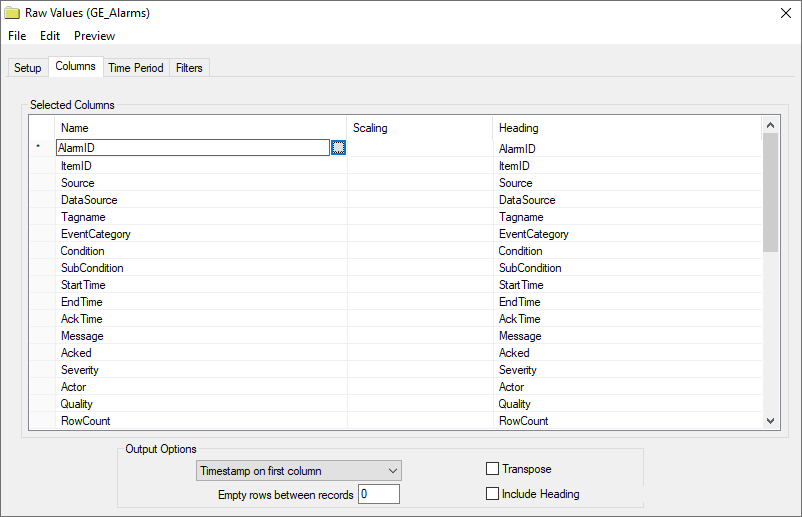
Select the first row under the Name column
Click the browse pushbutton ([…]).
In the Tag Browser expand Online, ALARM_LOG and add Items from the lower left.
Click OK to add these to the group.
To retrieve data, select Preview. In the Preview window, use the data picker to select a date and time where alarms are recorded in the database. Click Refresh to view data. The first 60 alarms starting at the date and time specified should be displayed.