Theme Builder
Open an existing template in the Template Studio. From the Design tab select Themes.
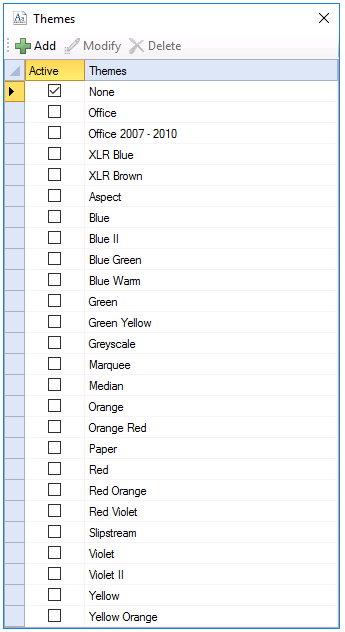 |
The Active column dictates which of the current themes is actively being used. Only one theme can be active in a project.
To add a new theme click Add or to modify a selected theme click Modify. The edit window displays a tab to setup Chart themes.
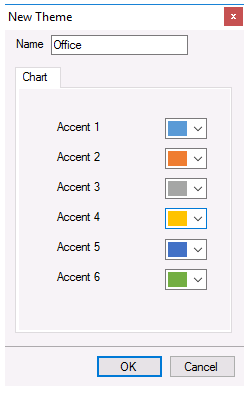 |
This defines the themes for charts that are added to the template using the Chart Design option of the Studio. When a new chart is added to a template, the series colors adhere to the Accent colors of the theme.