Verify the Data Connector
From the XLReporter Project Explorer , select Connect, Connector Groups.
Select the DeltaV Continuous Historian connector and then select Add.
Set the Type Raw Values and click OK
On the Columns tab of the group, select the tag Name(s).
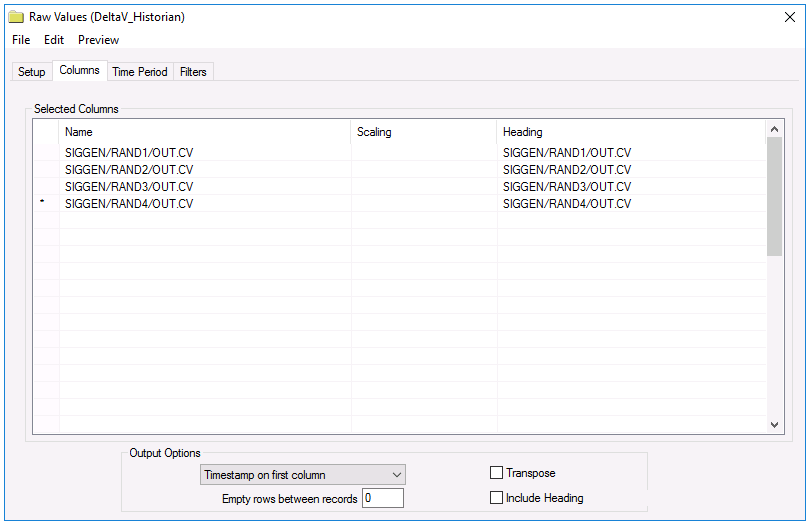
Select Preview, pick a Start date and click Refresh.