Prerequisites
Verify Data Files
Open the FactoryTalk View SE Studio from the Rockwell Software or FactoryTalk View program group. Then open the application to configure.
Select the Data Log Models icon under the Data Log folder, open the data log model.
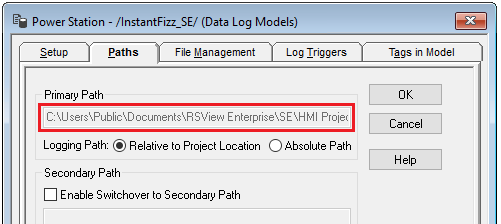
Open the Paths tab and note the Primary Path
 |
Verify Tags and Data
Open the FactoryTalk View File Viewer from the Rockwell Software program group.
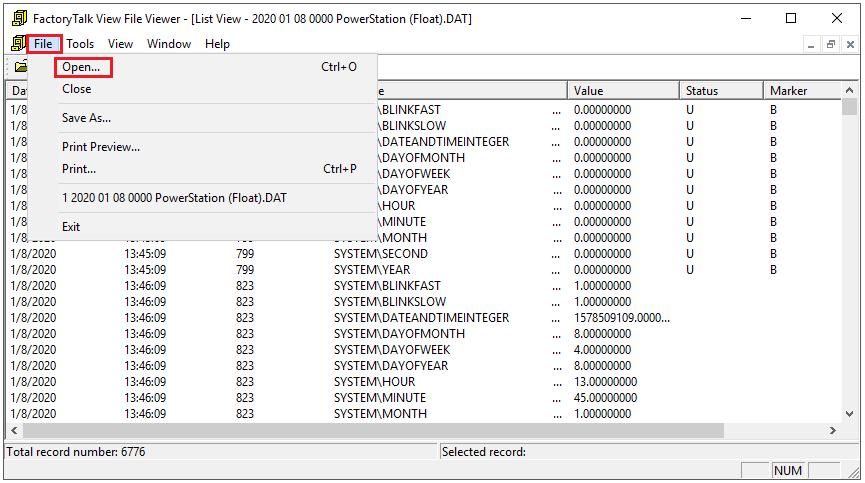 |
Select File, Open and navigate to the path. Open the most recent (Tagname), (Float) and (String) files in the path.
Verify the tag file is correct and that the float and string files contain data