Data Group
To extract data from the text files, a data group is used. A quick method of configuring a group is from the Project Explorer, Connect, Connector Groups.
Group Types
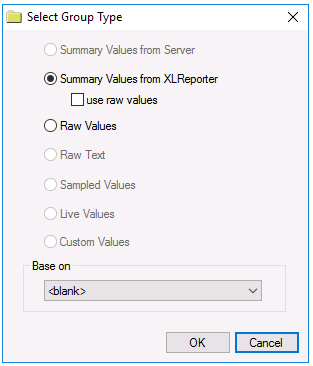 |
The following group types are available:
Summary Values from XLReporter delivers calculated aggregates from the from the text file(s) such as hourly averages over a day. The group requires a set of columns, calculation types, a time period and an interval over which the calculation is performed.
By default, the aggregates are calculated on time weighted values from the file. Check use raw values to change the calculation to raw values from the file.
Raw Values retrieves raw values logged in the text file(s). The group requires a set of columns and a time period.