Prerequisites
Verify Data Log
Select the Design Launcher from the program group and launch the project. Under the Project Browser panel, open the transaction group.
Under Table name, click the browse database option
 .
.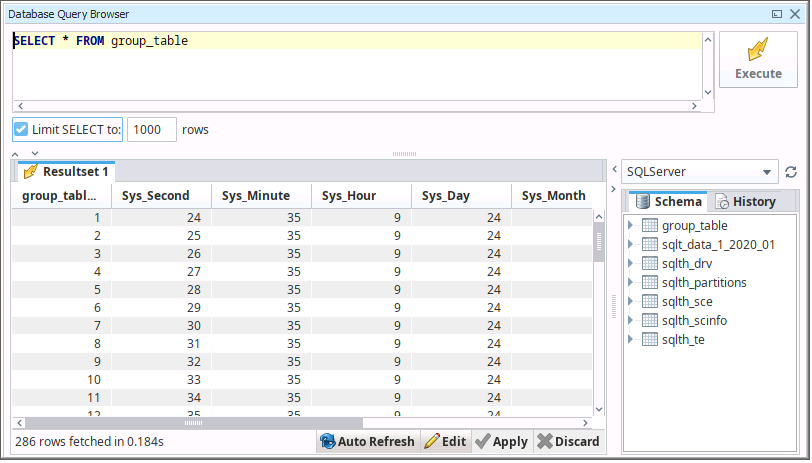
Enter a simple query to test like:
SELECT * FROM GroupTable
Where GroupTable is the Table name as set under the Action tab of the group.
Select Execute for the on the transaction table.
If no data is returned contact Inductive Automation technical support and correct these issues.