Connecting to the Web Portal
By default, the web portal is set up to port 80. If you have set up the web portal on a different port, you must update the configuration to reflect this.
Under the XLReporter install folder (C:\XLReporter by default), go to the bin subfolder and open xlrMobileService.json in a text editor like Notepad.
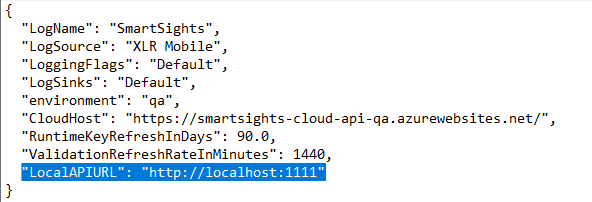 |
Change the LocalAPIURL setting to reflect the URL where the web portal is configured to run.