Prerequisites
Verify Database
Open Microsoft SQL Server Management Studio and connect to the SQL Server or SQL Server Express instance set up for the iFIX Alarm Logs.
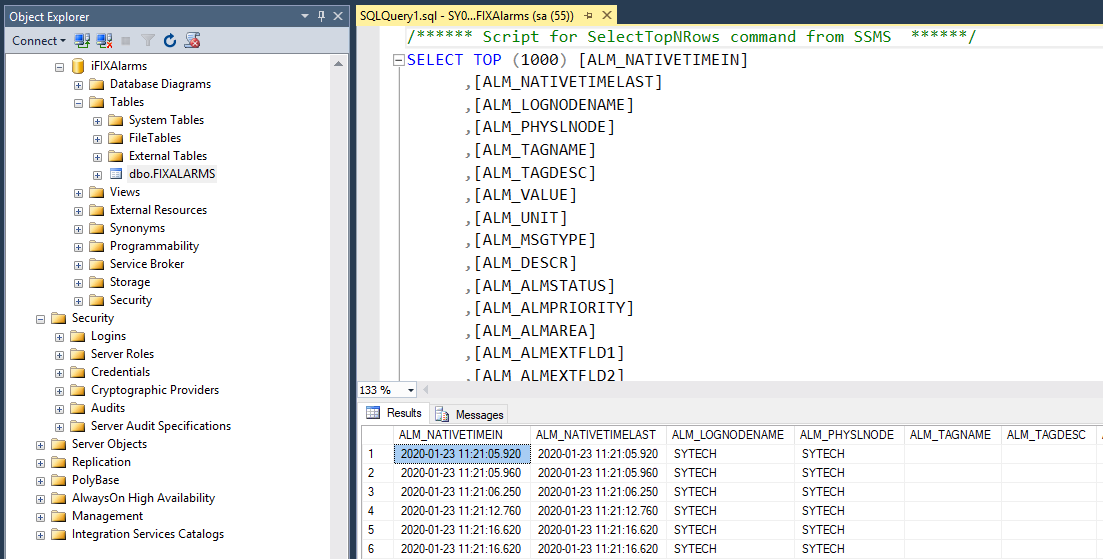
Expand Database, the database configured for the alarms and Tables. Select the alarm table, right-click and choose Select Top 1000 Rows.
If no data is returned contact GE Vernova technical support and correct these issues.