Connector
The Connector tab is used to verify reading/writing to real time data connectors.
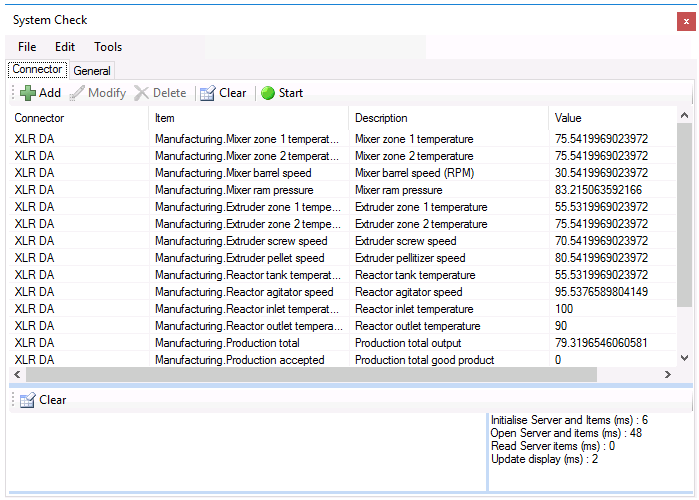 |
Select Add, choose a real-time Connector and some Items provided by the connector.
Click Start to have the values update at the rate specified in Edit, Update Rate. If the item support writes, click Modify and set a new value for the items. To clear the list, click Clear.
The lower part of the display shows any errors that occurred when the items are read. In the lower right are the scan times of various operations, Open Server items (ms) indicates the speed to establish communications and Read Server items (ms) indicates the speed at which the items are read.