Prerequisites
Enable OPC UA
In DeltaV, the OPC UA server is enabled in the DeltaV Explorer.
Under Physical Network, Control Network, select the machine for the server
On the right side, select the OPC UA Server, right click and select Properties
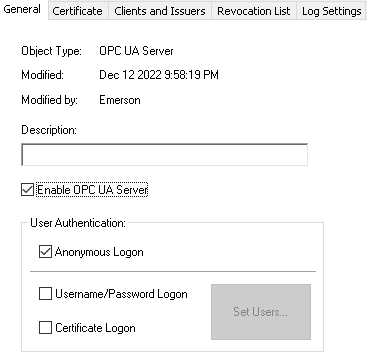
Under the General tab, make sure Enable OPC UA Server is checked