Overview
There are two ways to create a report, automatically and on-demand. This document describes how to design an on-demand report. To deploy on-demand reports, refer to the Deploy On-Demands Reports document.
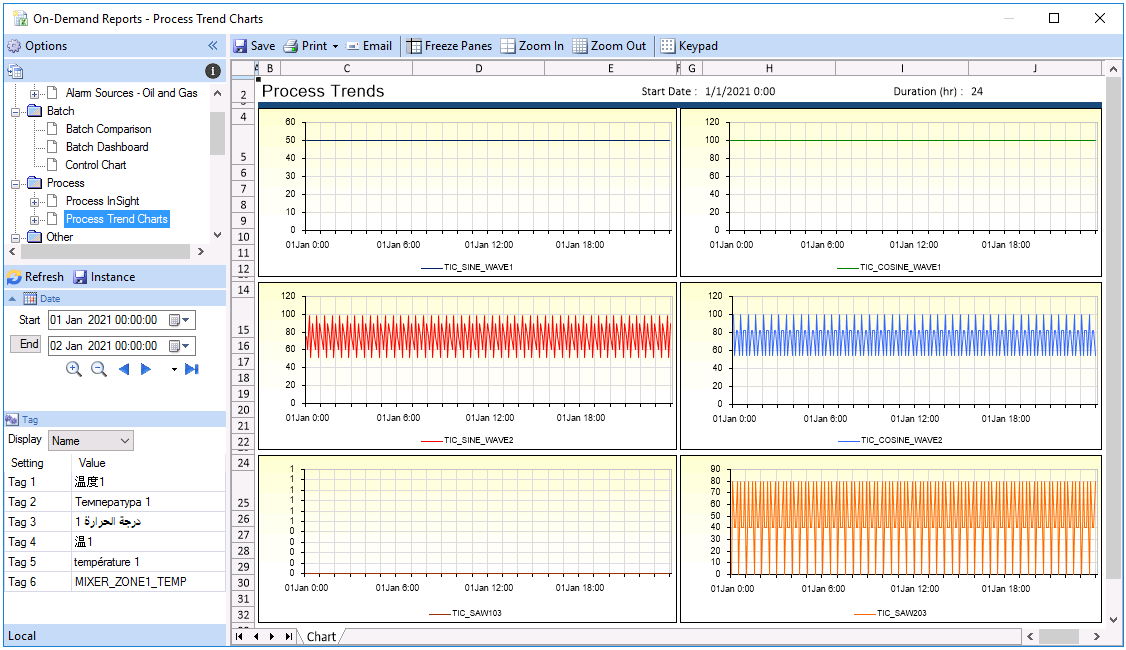 |
From a user’s perspective, an on-demand report is generated by entering custom values and then clicking Refresh. This can be performed locally, or from Team clients on the network or from mobile devices.
The steps required in designing an on-demand report are:
Step 1 Create a Template with Variables
A template with Variables allows an end user to assign values to the variables and produce a custom report. It is recommended to create all required variables in the Variable Editor on the Connect section of the XLReporter Project Explorer under the User Defined section.
Step 2 Assign input methods for the Variables
When a template is saved, XLReporter assigns an input method to the Variables. For example, a date variable has a date calendar assigned. If custom input methods are required, then the On-Demand Designer is used.
Step 3 Deploy the Template.