Data Group
The following describes the historical data group settings specific to the AVEVA Historian connector.
Group Types
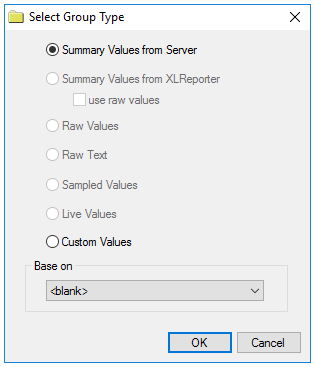 |
For AVEVA Historian the following group types are available:
Summary Values from Server retrieves summary calculations directly from the historian summary values. For AVEVA Historian Summary Values, the following calculations are available:
Average
Maximum
Minimum
Total
Please note that while all of these calculations are available to select from if the calculation has not been configured or the tag selected is not configured for the calculation no data is returned.
Custom Values opens the Database Group builder where a query can be configured to retrieve data from any table available in the database connected to by the connector.
Group Settings
Retrieval Tab
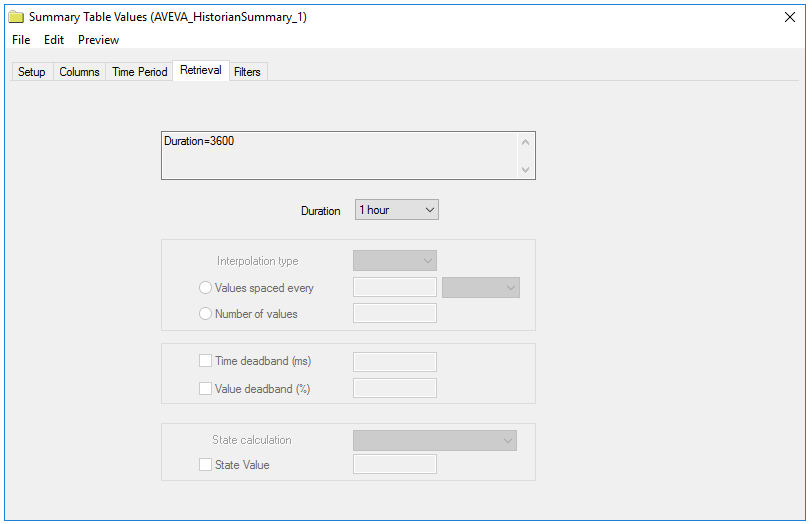 |
The Duration provides a list of all the configured durations for the summary calculations configured in the historian. The selected duration is applied to all the configured Columns.
For example, if in the historian the tags Flow, Pressure and Speed are configured for hourly calculations and daily calculations, in Duration, 1 hour and 1 day are available. If 1 hour is selected, the hourly values for each selected Column are retrieved.
Filters Tab
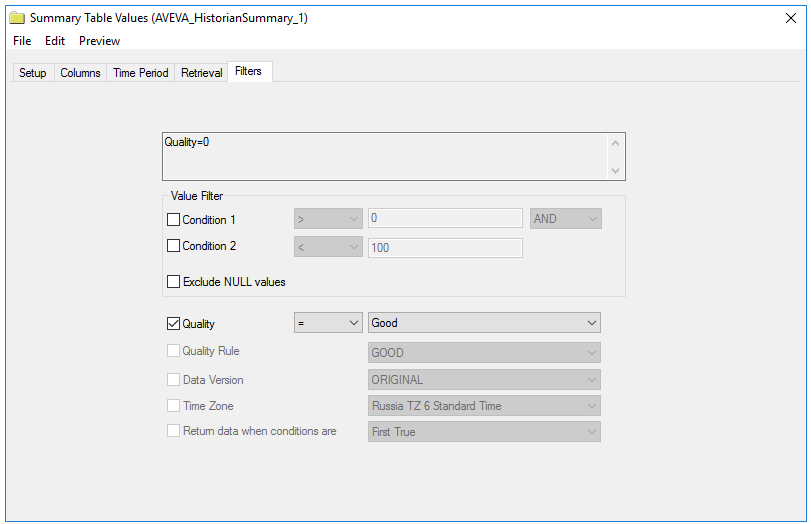 |
The configured filtering on this tab applies to the calculated values themselves and not to the underlying values that contribute to the calculation. For more information on the available settings, see the AVEVA Historian documentation.