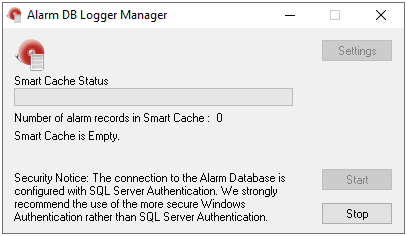
InTouch Alarm Configuration
To configure alarm conditions for InTouch tags, from the AVEVA InTouch HMI program group, open InTouch WindowMaker.
Select Special, Tagname Dictionary to open the Tagname Dictionary and select a tag.
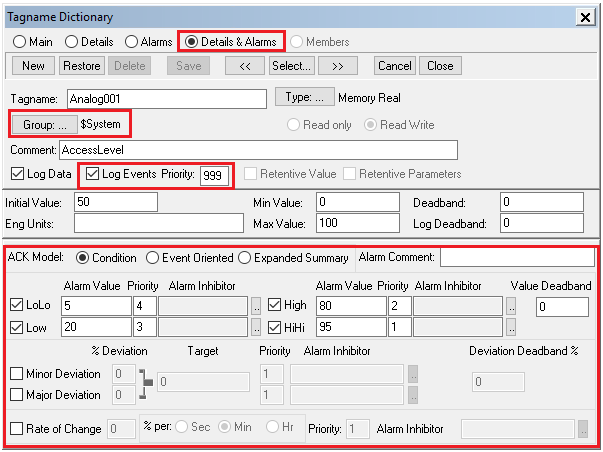
Click the Details & Alarms option at the top.
Click Group to select the group for this tag.
Check Log Events and set the Priority.
Configure the alarm details at the bottom.
Database Configuration
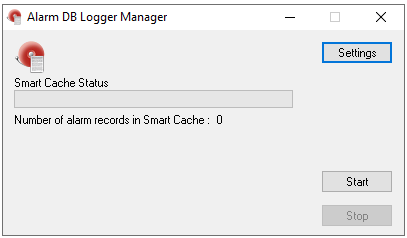
To set up InTouch alarm logging to a database, from the AVEVA InTouch HMI program group, open the Alarm DB Logger Manager
Click Settings to configure alarm logging.
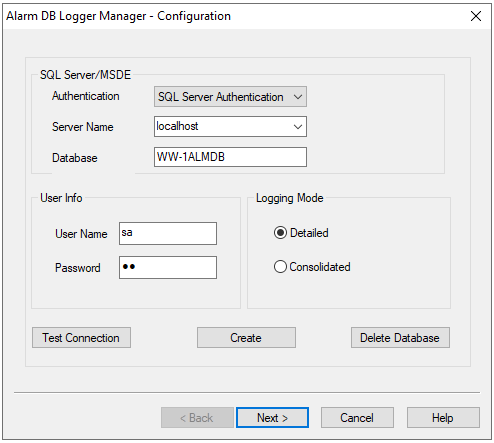
In Configuration, specify the SQL Server database to log alarms to.
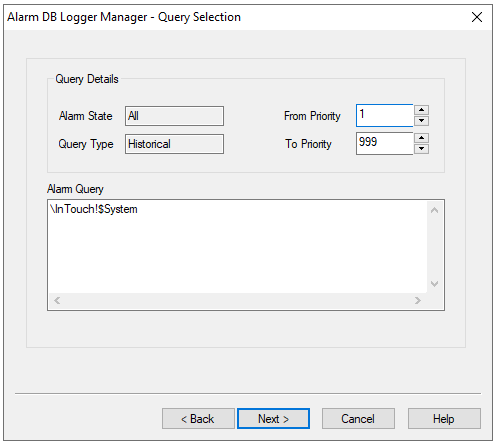
In Query Selection, specify the Group(s) and Priority Range according to the Tagname Dictionary configuration.
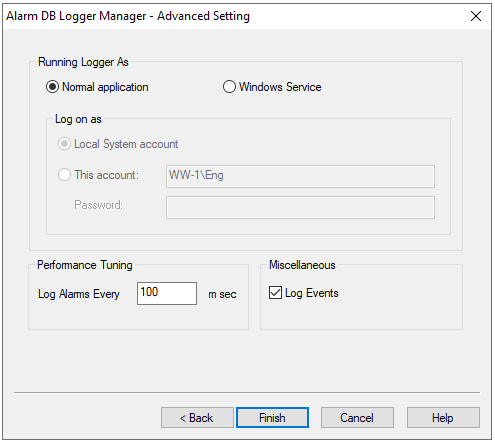
In Advanced Settings, specify the Log Alarms rate.
Click Start to start the configuration.