Verify the Data Connector
From the XLReporter Project Explorer select, Tools, Connector Groups
Select the FactoryTalk View SE Data Agent Data Files connector and then select Add.
Set the Type Raw Values and click OK.
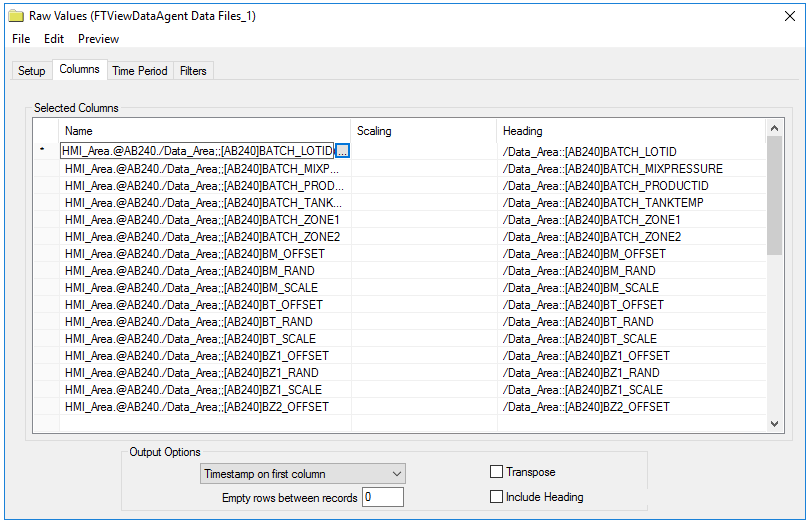
On the Columns tab of the group, select the tag Name(s).
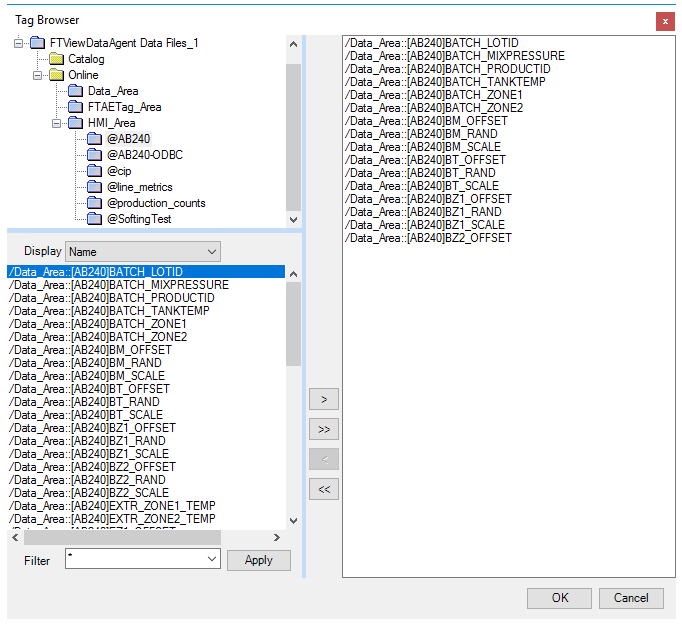 |
The tags for the data log models are typically found under the HMI_Area branch. Notice that every data log model configured for the application is available.
 |
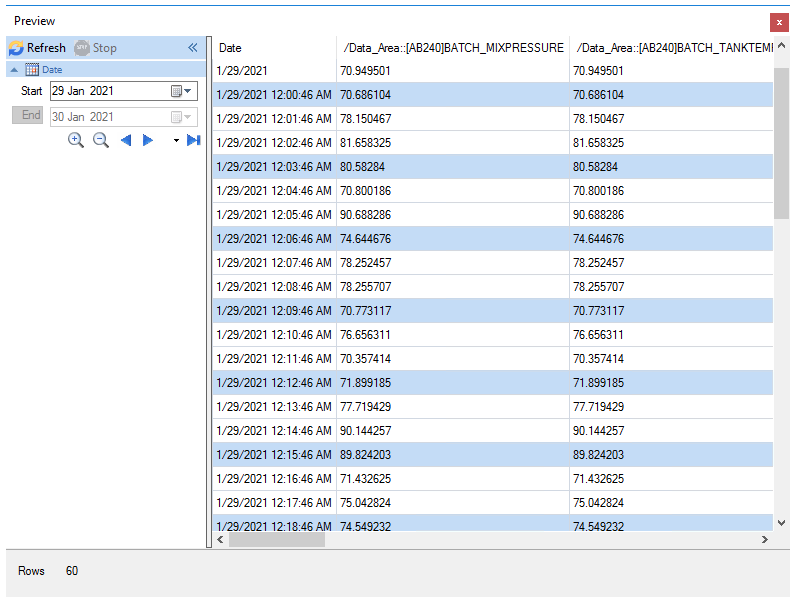
Select Preview, pick a Start date and click Refresh.
 |