V7 Import Utility
The V7 Import Utility requires the INI and MDB file to be from Scan & Alarms v7.17. The following information outlines what will and will not be imported using the V7 Import Utility. Items that will not be imported will need to be configured manually.
ITEMS THAT CAN BE IMPORTED | |
|---|---|
Notifiers | Email, SMS*, Voice* NoteOnly connections for SMS & Voice notifier type will be imported |
Groups | Convert into Notification Policy |
Data Source | OPC DA, iFIX®, InTouch®, FactoryTalk Alarms & Events*® NoteOPC-DA Analog tags become Level Alarms and Discrete Tags become Boolean Alarms. FTAE Server will have to be reconfigured as Gateway is not imported. |
Reports | OPC DA, iFIX®, InTouch® |
Schedules | Time slots do not import and will need to be reconfigured |
ITEMS NOT SUPPORTED OR IMPORTED | |
|---|---|
Dialogic/Tapi | Not supported in WIN-911 2023 |
Pagers | Not supported in WIN-911 2023 |
Other Not Supported | Alarm Printing, ASCII Poke, IP Alarming, Dialout Announcer |
Legacy Data Sources | RSView32, viewLinc, DDE, RSView SE, RSView ME |
Copy the Scan & Alarms v7.17 INI file and MDB file to the WIN-911 2023 machine.
Note
The WIN-911.INI file is located at C:\Program Files (x86)\Specter Instruments\WIN-911 V7\WIN-911.INI
Note
The MDB file default directory is located at C:\Program Files (x86)\Specter Instruments\WIN-911 V7\Configuration Files\yourfilename.MDB
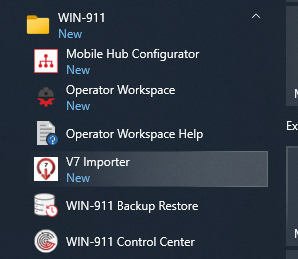
Click Start, open the WIN-911 folder, and run V7 Importer.
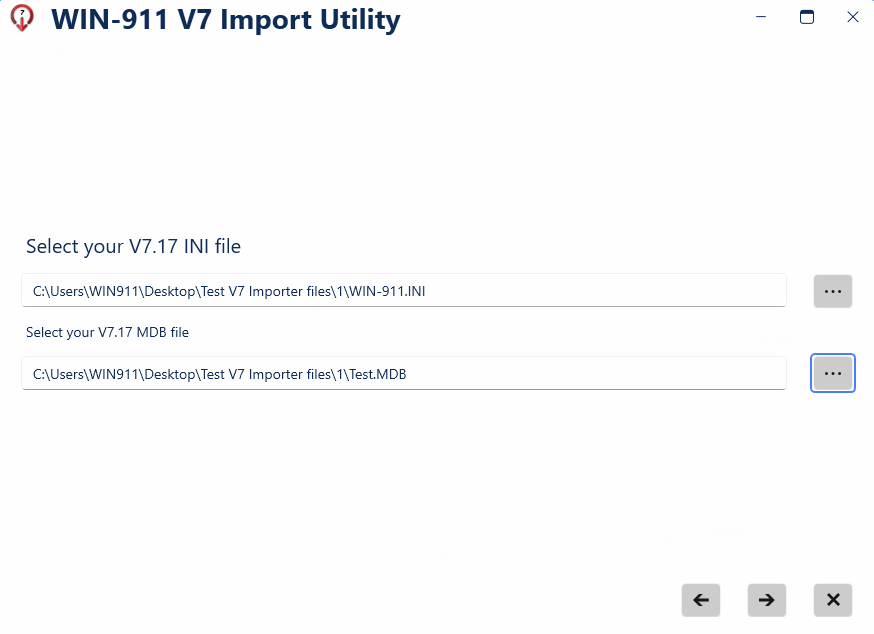
Select the Next arrow, then use the 3 dots to select your INI and MDB files for import.
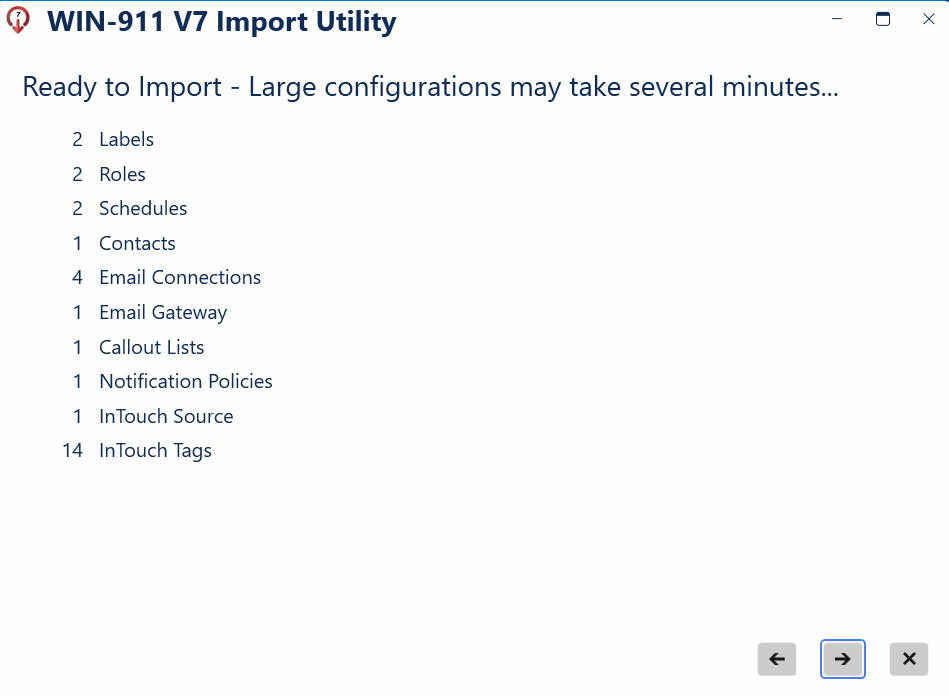
Click the Next arrow and the page will display the items that are ready to import.
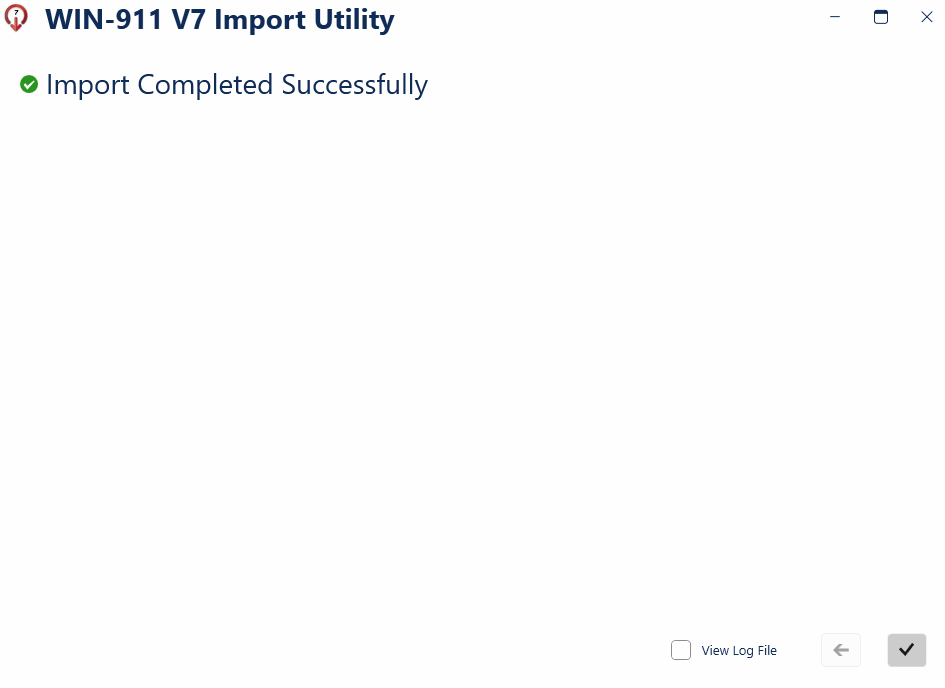
Click the Next arrow to begin the Import. Once completed, click the checkmark to close the Importer Utility and review the imported data in WIN-911 2023 Workspace.
Licensing
Please consult Licensing your WIN-911 Software to register and license the WIN-911 software.