Grayed Out CodeMeter File Unable To Complete License Request
Issue
Codemeter and buttons are grayed out.
Cause
The license is corrupted.
Solution
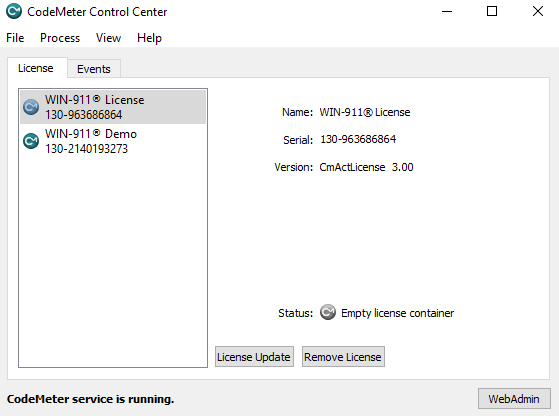
Prior to getting started, you will need to know the CodeMeter serial number for the WIN-911 license container. This can be located by opening the CodeMeter Control Center via Windows Start Menu and selecting the license.
 |
Navigate to C:\Program Files (x86)\CodeMeter\runtime\bin. Hold the shift key and right-click inside the bin folder and select Open command prompt window here.
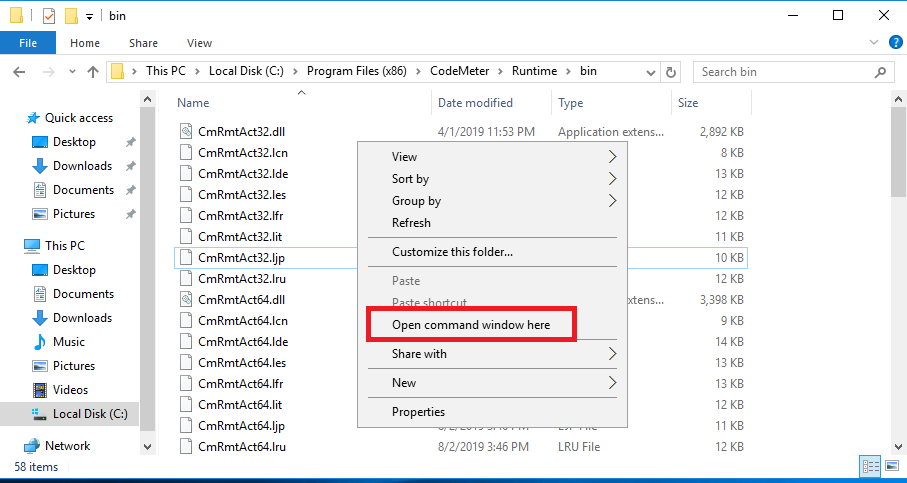
It helps if you right-click in an empty space within the explorer window.
Alternatively, open Command Prompt and type
cd "C:\Program Files (x86)\CodeMeter\Runtime\bin"
(with quotation marks)
In the Command Prompt windows type the following command and press :
cmu32 --delete-cmact-license --serial ####-#####

####-###### is the serial number that we located earlier in CodeMeter Control Center
You will receive the response shown below after pressing the enter key. The license container will disappear from CodeMeter Control Center.

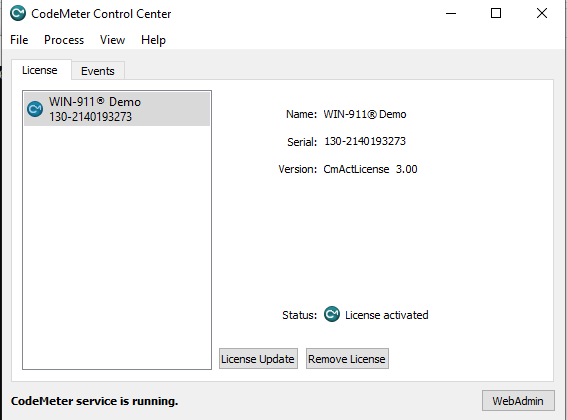
You will notice now that the WIN-911 license container is removed.
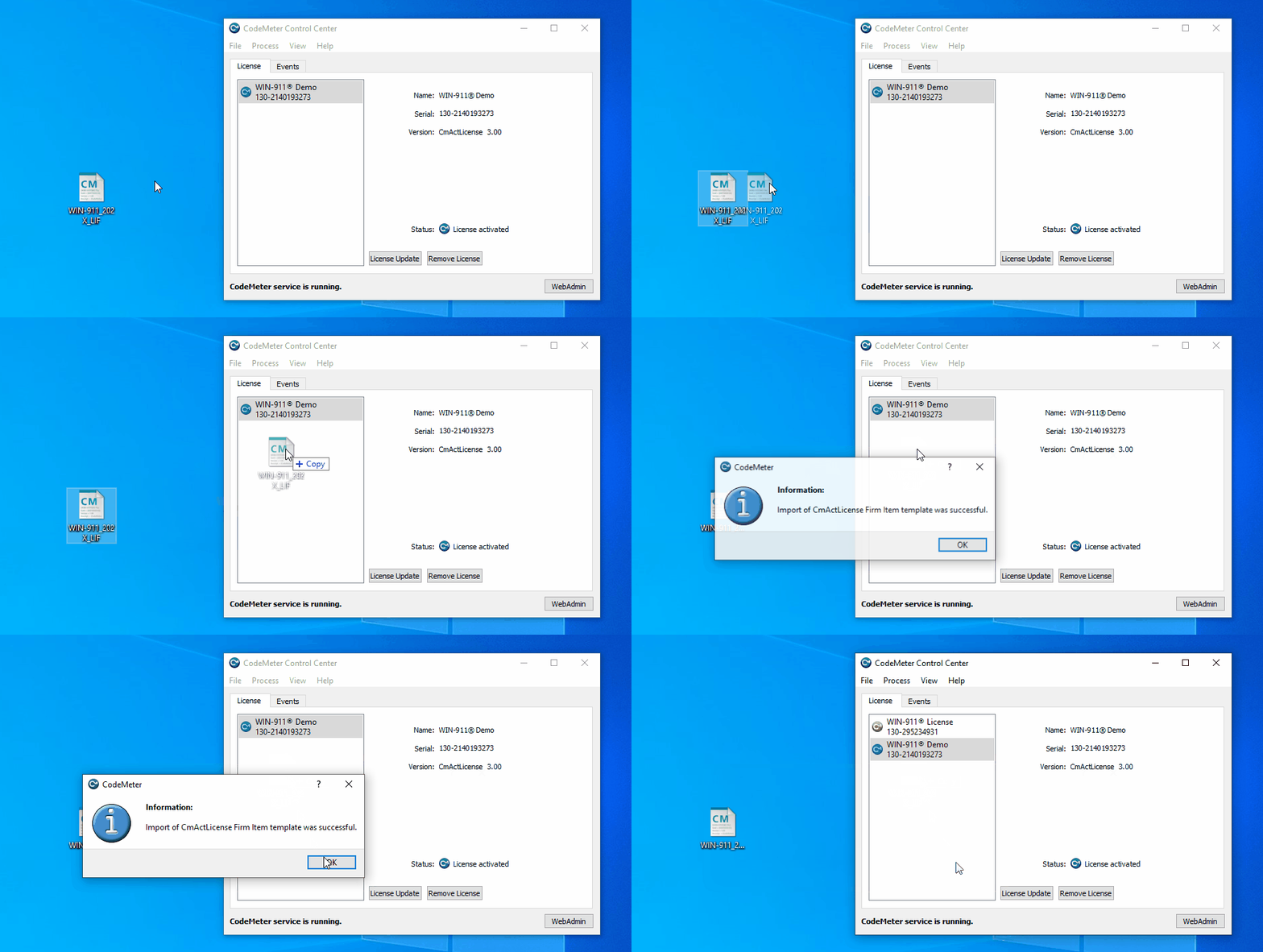
You can add a new CodeMeter container by downloading WIN-911_202X_EmptyContainer.WibuCmLif. Save the attached file to your desktop.
Drag & drop the WIN-911_202X_EmptyContainer.WibuCmLif file into the CodeMeter Control Center window.