SQL Server Instance Upgrade
If the current WIN-911 SQL Instance does not meet the minimum requirement of 2017+, you will need to run the SQL Upgrade in the WIN-911 installation zip in the SQL Server Express folder.
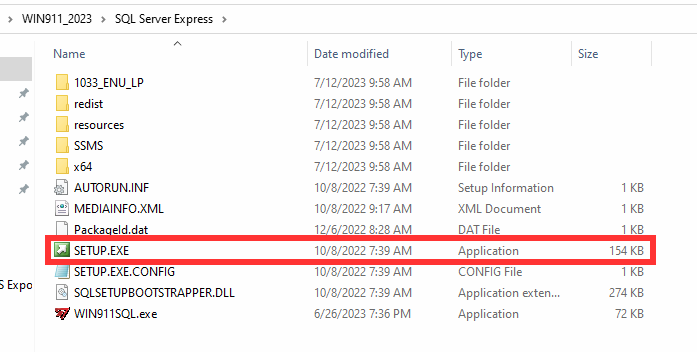
Run the SETUP.EXE file located in the WIN-911 SQL Server Express folder.
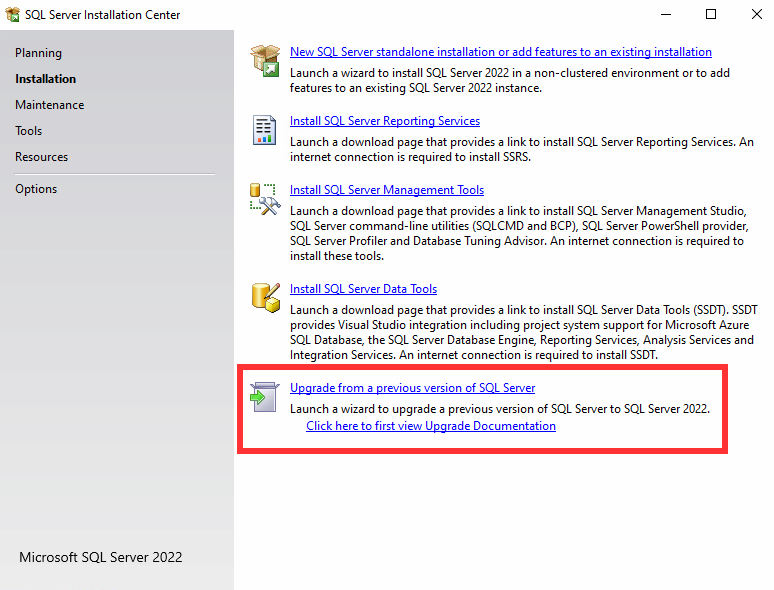
In the SQL Server Installation Center, run the Upgrade from a previous version of SQL on the Installation tab.
Follow the upgrade wizard and restart the machine once completed.