Online Licensing
Mar 8, 2024 Knowledge
Important
For online licensing, WIN-911 system MUST HAVE access to the Internet.
Note
Firefox, IE, and Safari are not supported. Microsoft Edge and Google Chrome are recommended for Online Licensing.
On the WIN-911 computer, go to the WIN-911 License Portal at Licensing Guide - SmartSights
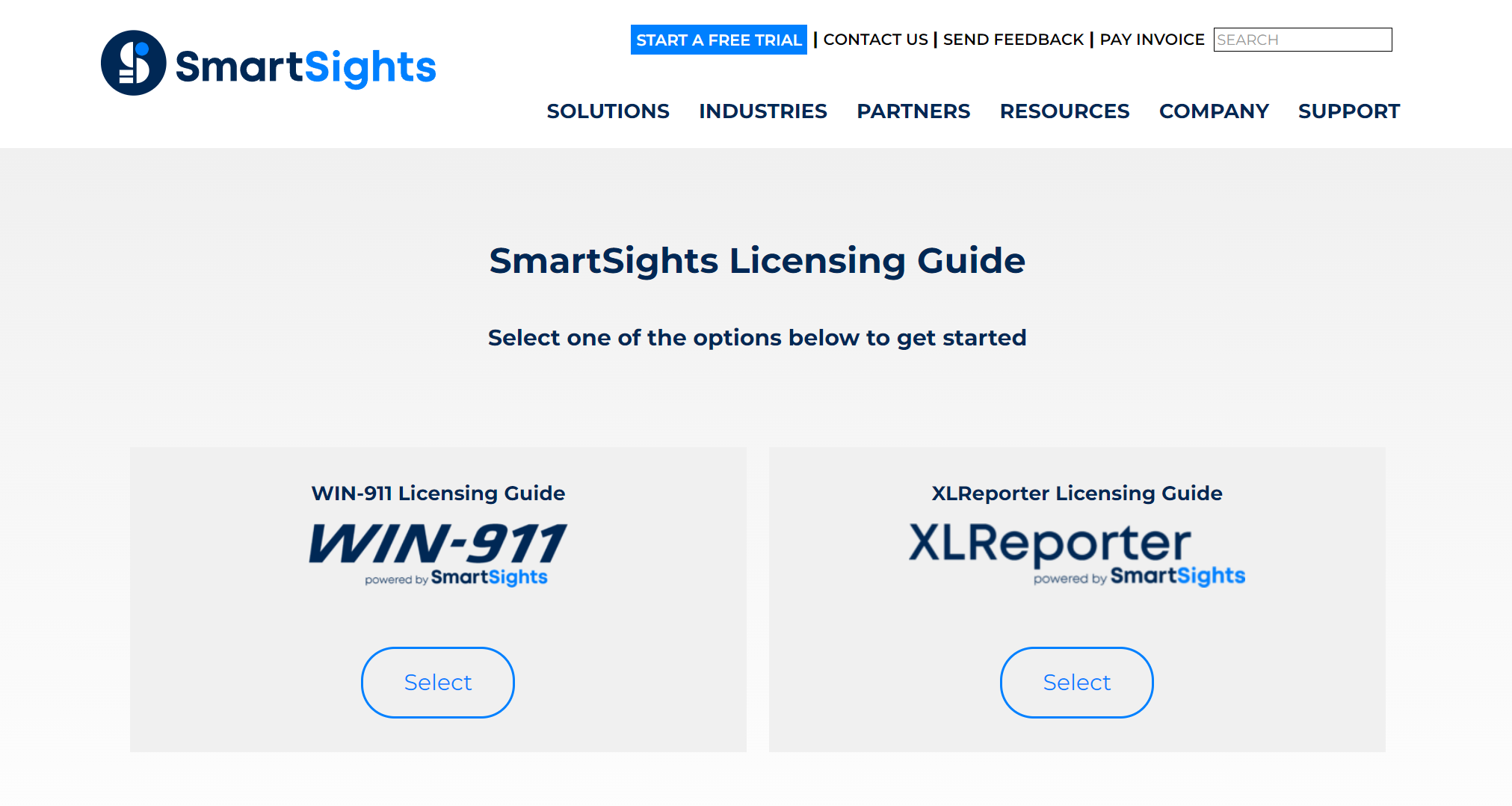
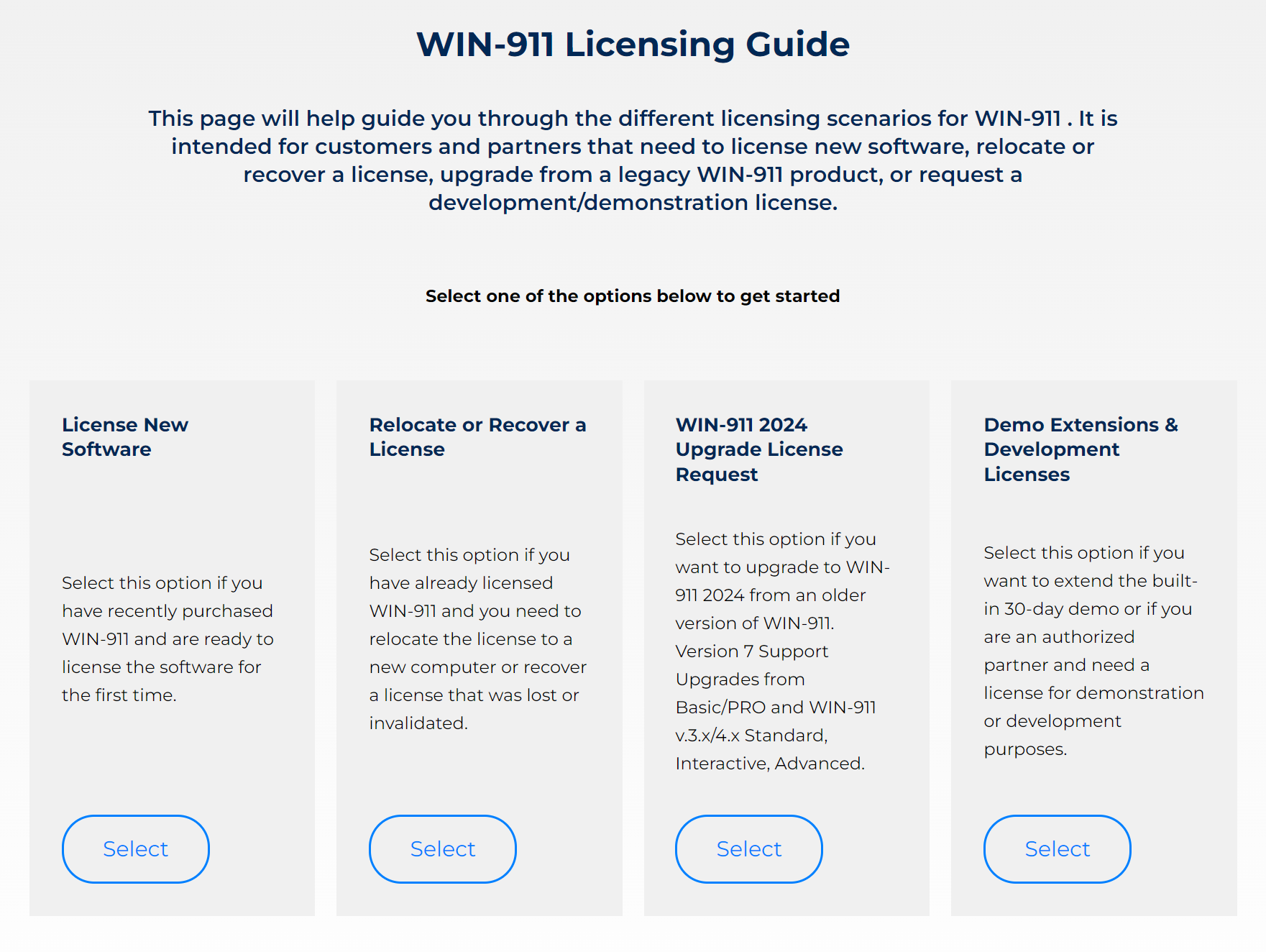
Select the WIN-911 Licensing Guide. Then License New Software.
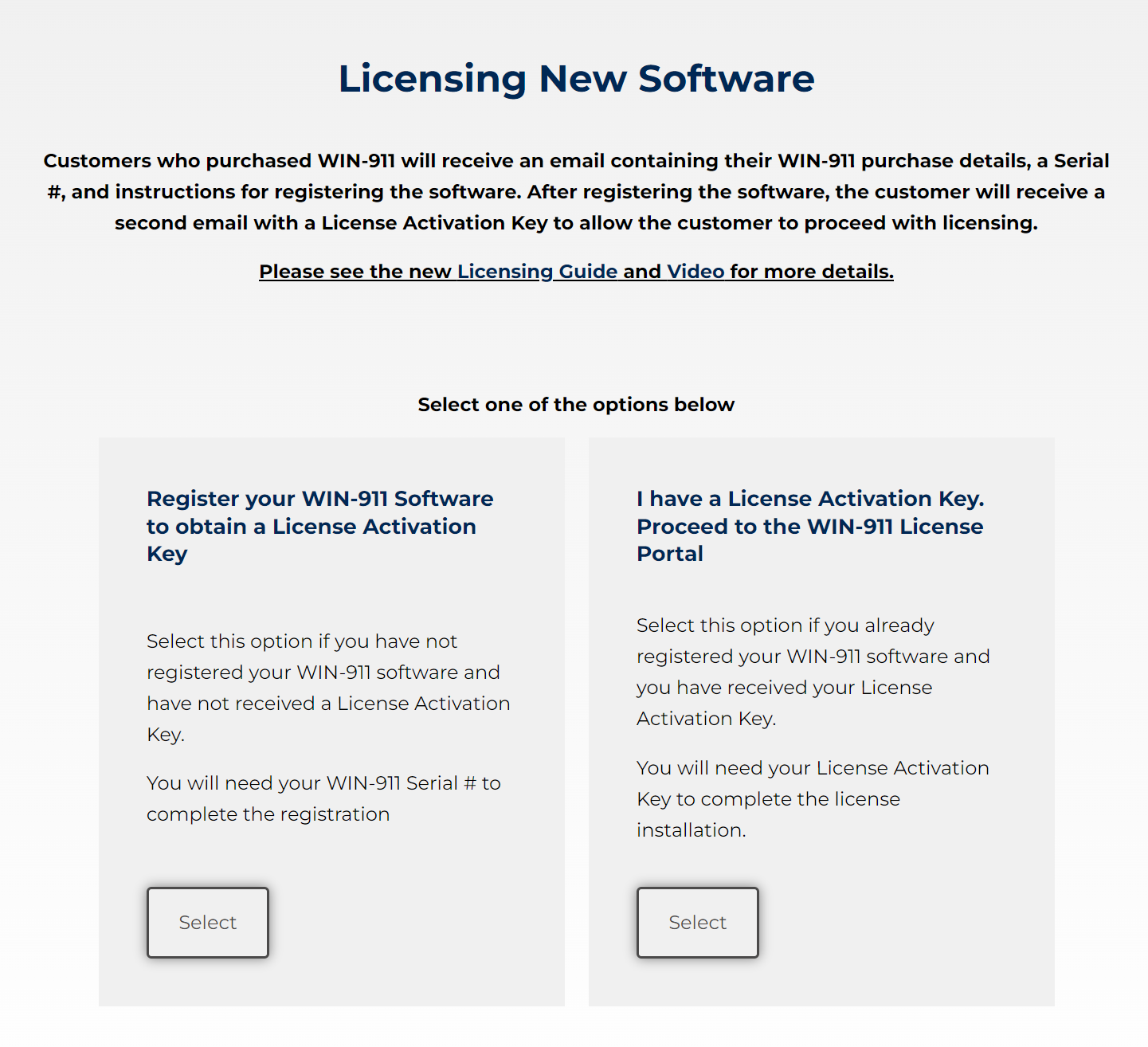
If you have not registered your software, select the Register your WIN-911 Software to obtain a License Activation Key. Once you have confirmed you have your License Activation Key ready select the I have a License Activation Key if you've already completed the Registration steps listed above.
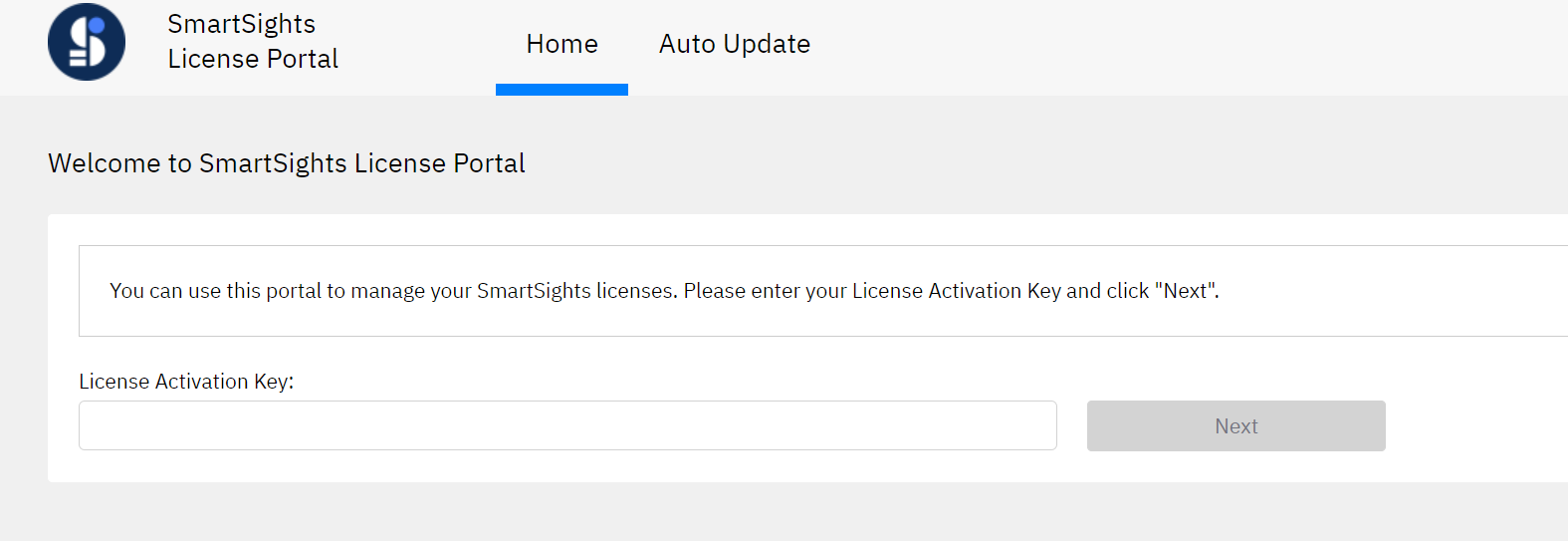
Enter your License Activation Key, click 'Next'.
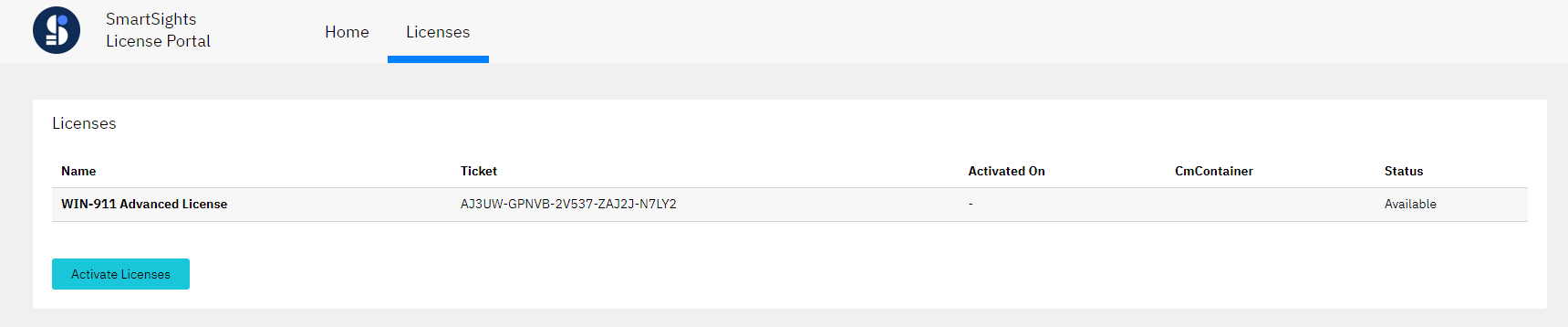
You will see your WIN-911 license(s) listed here. The Status will show Available. click 'Activate Licenses'.
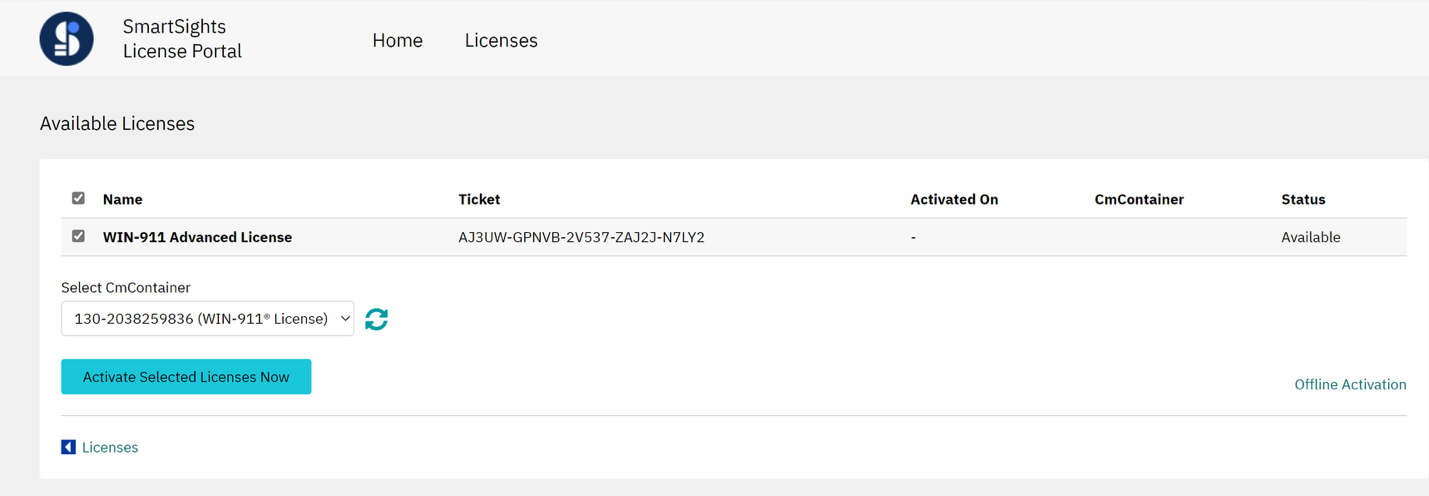
It should bring you to the Online Activation page (as seen below). If not, click the link for 'Online Activation' in the bottom right corner of the page.
Confirm all licenses are selected, then click 'Activate Selected Licenses Now.'
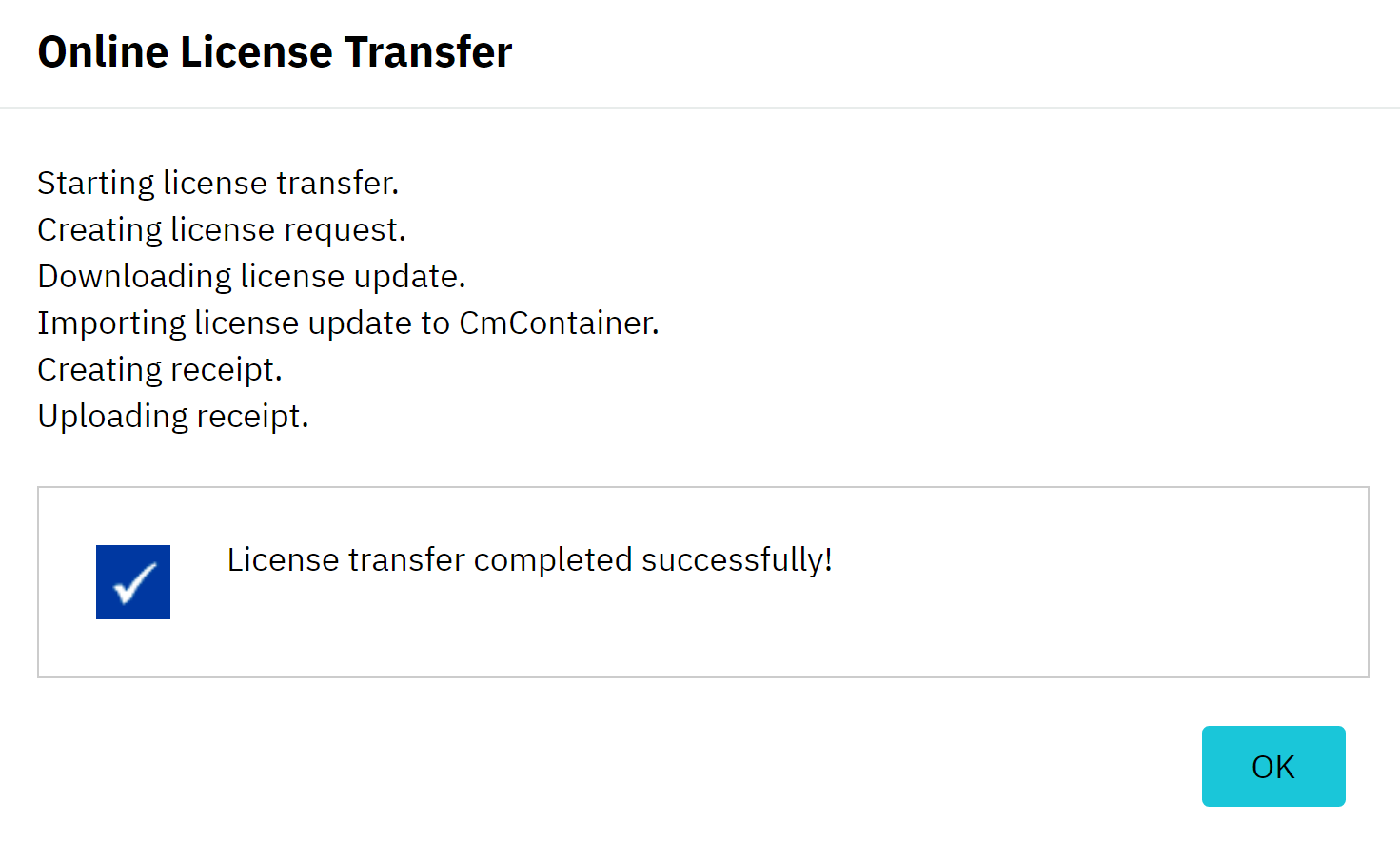
The progress window will show “License transfer completed successfully!” when finished. Click, OK.
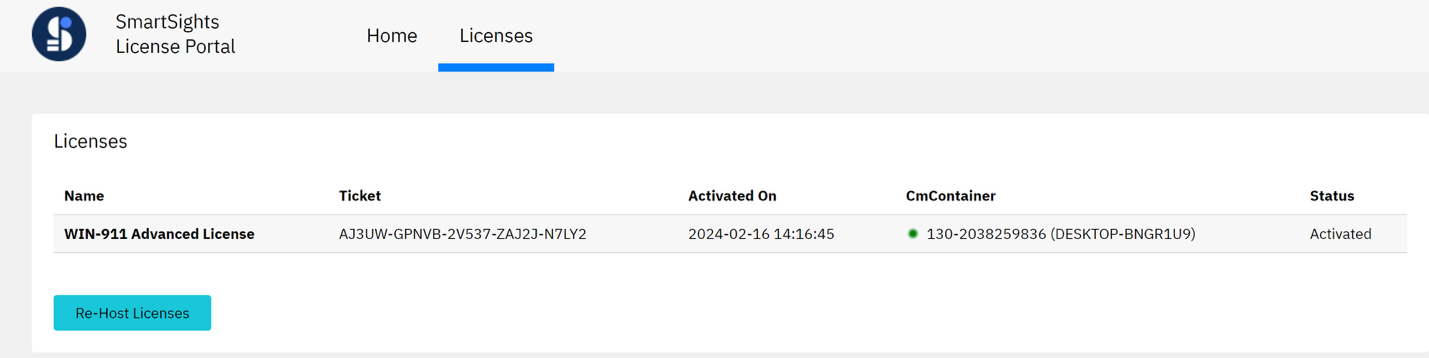
"Status: Activated"
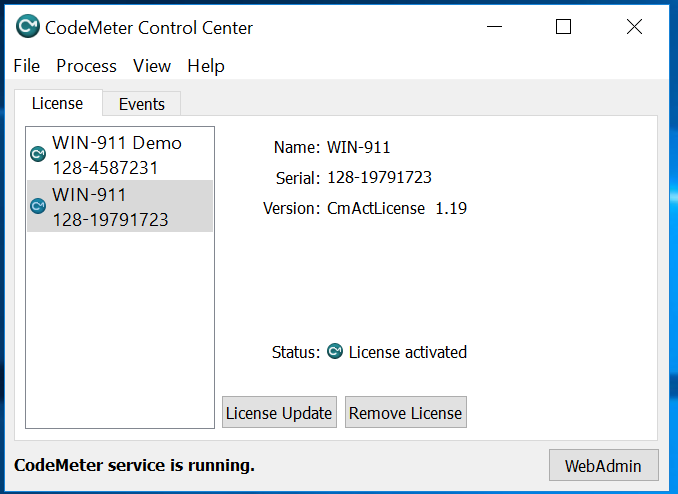
Open CodeMeter Control Center from the Windows Start Menu -> CodeMeter folder. Confirm the WIN-911 license Status shows “License activated.”