Registering your Mobile Gateway Account
Upon purchase of WIN-911, you will be provided with an account that allows your WIN-911 Mobile Gateway access to WIN-911 Mobile Cloud Services. Each Gateway account is unique to a WIN-911 installation; do not attempt to reuse an existing Gateway account.
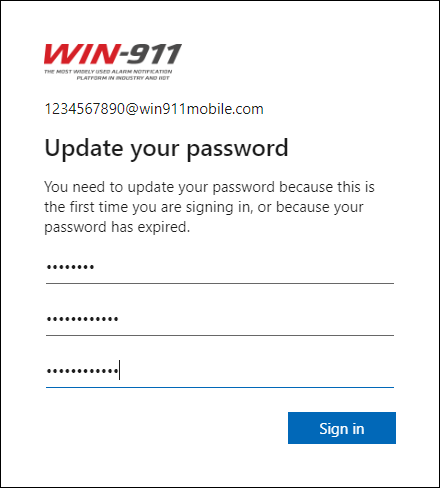
The Gateway Account credentials issued by WIN-911 will include a temporary password that must be changed before access to WIN-911 Mobile Cloud Services is permitted.
Resetting the Temporary Password
Access https://login.microsoftonline.com in a web browser
Enter the account credentials you were provided by WIN-911.
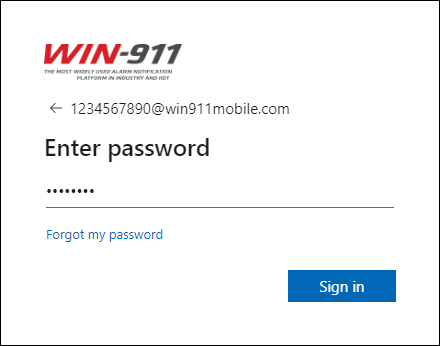
Enter a new password.
You will be prompted to enter a phone number or email address should you need to recover your account.
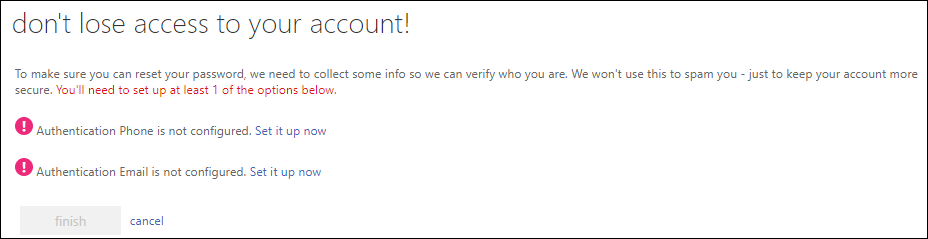
After you've entered either a phone number or an email address, your password will be reset and is ready for use with WIN-911.
Adding a New Gateway
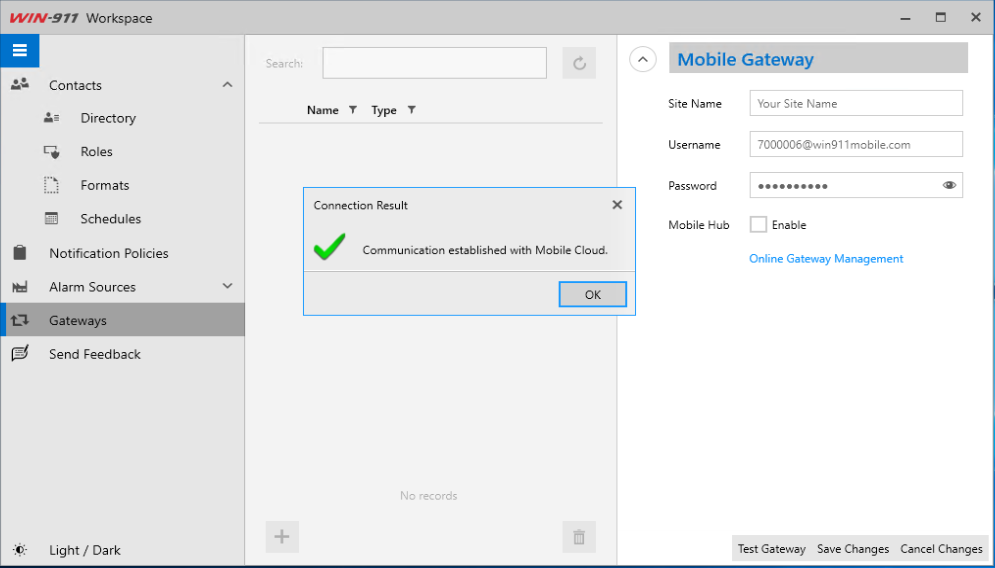
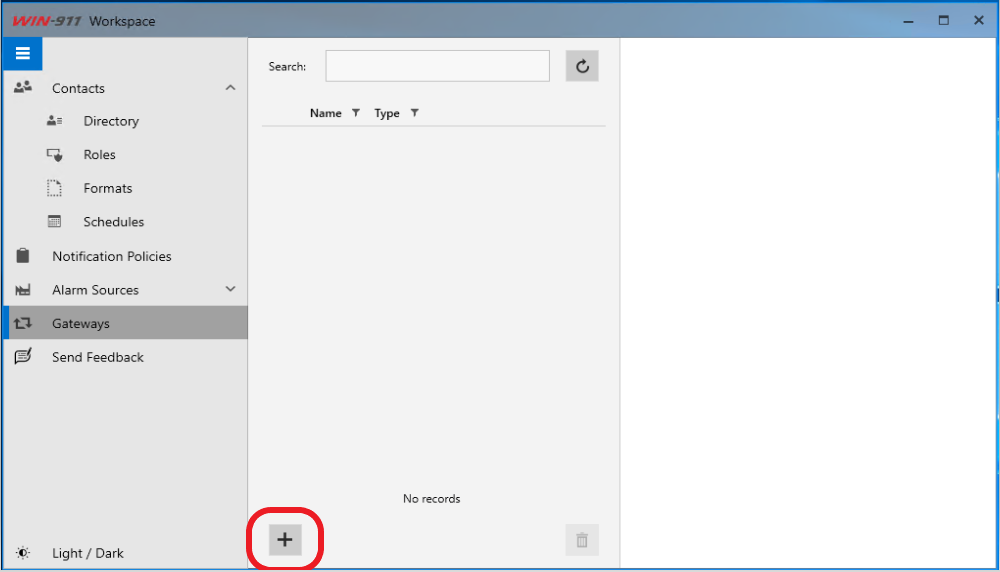
In the WIN-911 Workspace, click on Gateways then + to create a new gateway.
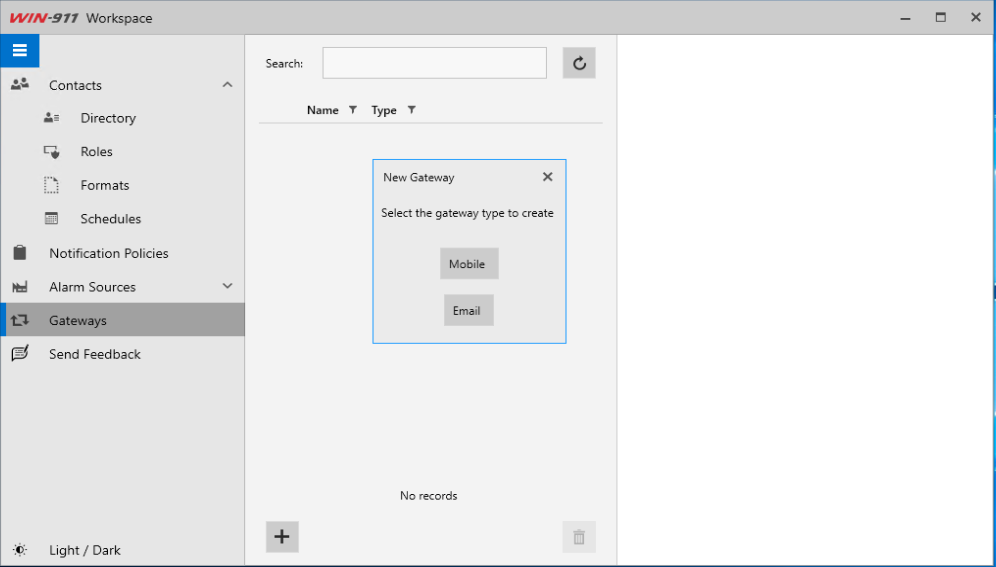
Select Mobile.
Enter a name for your site, the Username provided by WIN-911, and the new Password you created in the previous steps.
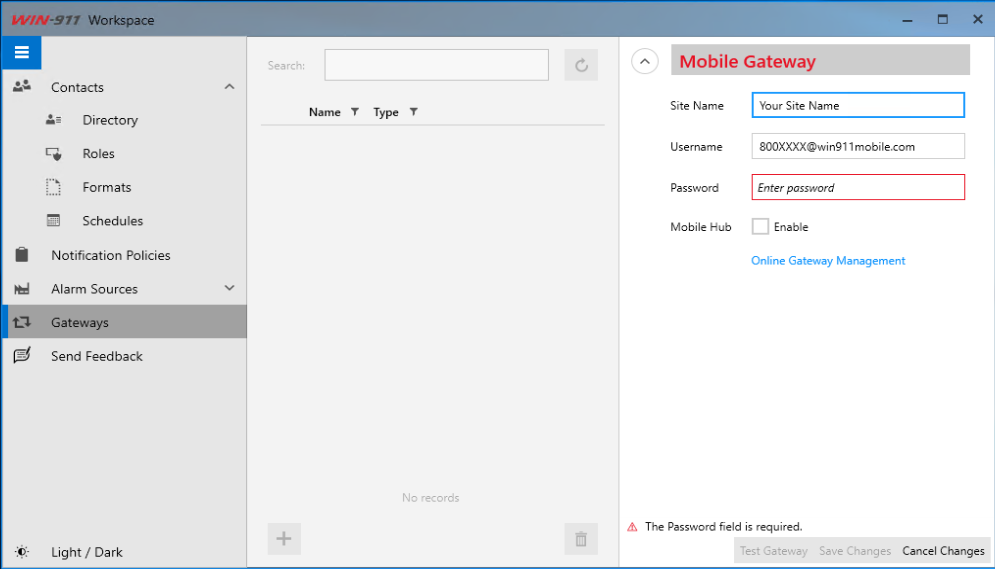
After completing all required fields, click "Test Gateway"