Filters
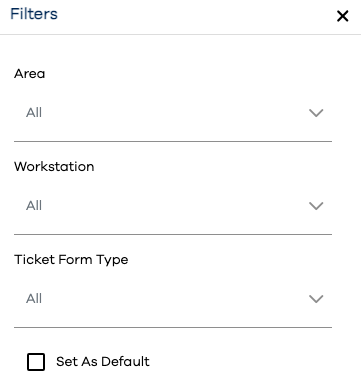
Filters can be applied to various subcenters of the Runtime app. The Filters flyout in contains fields by which the resulting view is filtered. PEER™ fields configured via the Filters Editor will be available in the Filters Flyout when the appropriate view is selected, by using the  button in the upper-right corner of the screen.
The available filter fields differ by which component of the app you're viewing. In the case of PEER™,