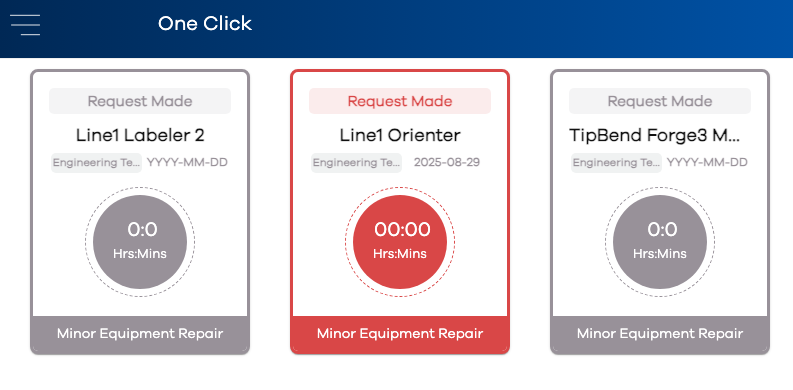
One Click Center
Pre-defined Tickets are displayed in the One Click Center. Here, instead of using the button, an operator simply clicks a pre-defined Ticket tile in this view. A new ticket is created with fields as defined in the One Click Editor. It will change from the color gray (to identify a One Click ticket that isn't currently open) to its respective ticket state color. It will also appear in the Message Center and Broadcast Center like any other ticket.