Creating a PEER™ Ticket
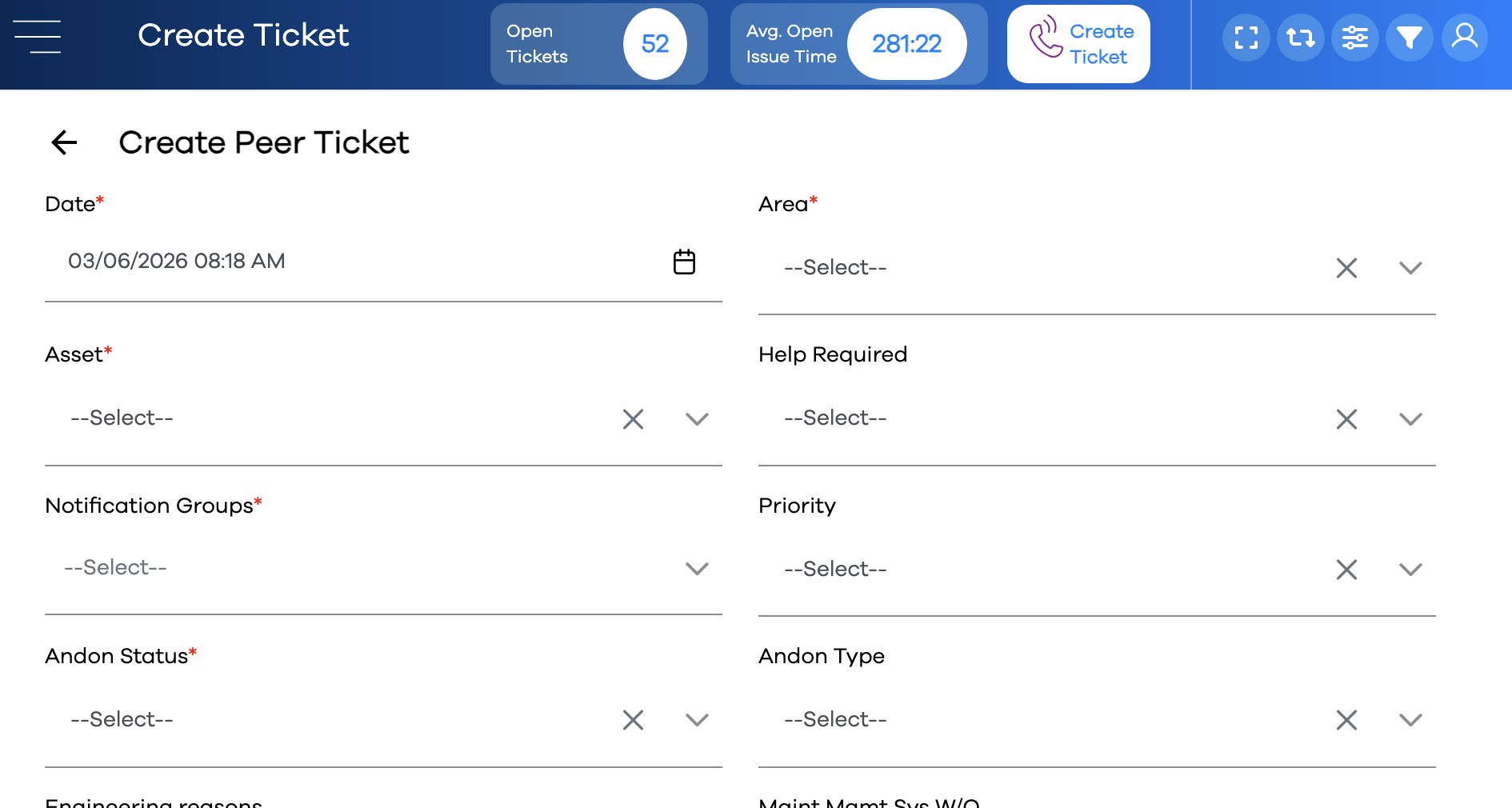
PEER™ Tickets are the heart and soul of the application. Users create tickets when there is a need for additional help in an area of the plant. Tickets are acknowledged and updated by whomever's responsibility it is to resolve the issue. Notifications are sent when any activity is performed on the ticket, and also automatically after certain periods of time have elapsed using the Escalation system. Tickets are displayed in the Message Center and Broadcast Center while they are active, and can be reviewed using the Reporting Center and the Manage PEER Tickets utility.
Tickets can be created in one of three ways:
Using the button in the upper-right corner of the screen
By clicking on a in the One-Click Center
Using PEER's REST API
Creating a Ticket with the button
The button will launch the Create form of a particular ticket type. This creates a new ticket in the database with its own id, which can subsequently be updated as many times as necessary before it is closed.
Note
Each Form Type has two flavors of entry form: this Create form used when creating the ticket, and the Update form used whenever a ticket is updated (or closed).. Fields can vary between these two forms, and are specified using the Form Editor.
Click the button
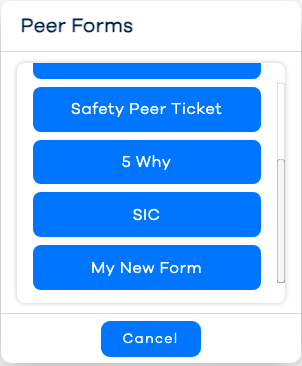
Select the desired Ticket Form
Complete the value for each field. Any fields with a red asterisk (
*) next to its labeled are required and must be completed before the button becomes clickable.Tip
Select the Area before dropping down the Asset dropdown. This will filter the asset list to only those that belong to the selected area.
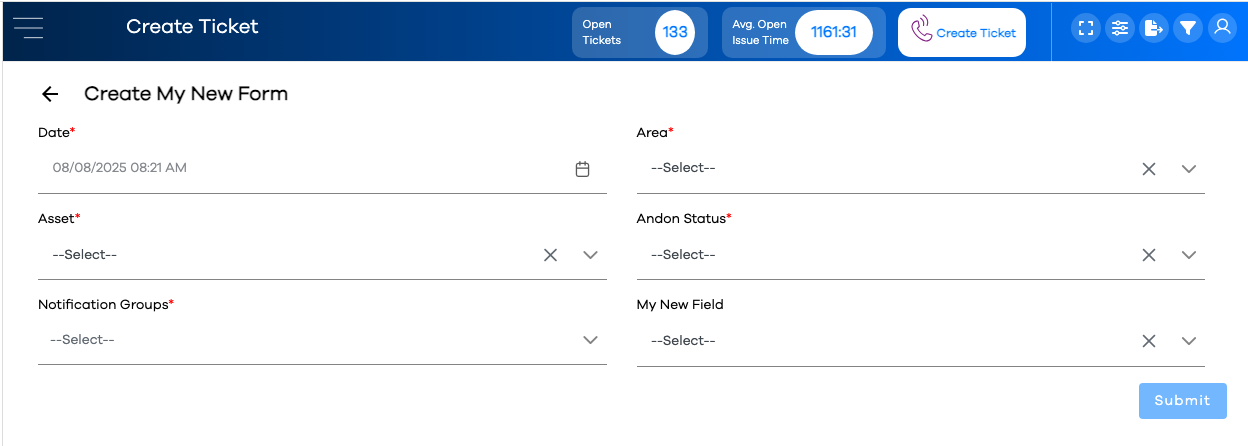
Click the button to complete the creation transaction, and exit the form