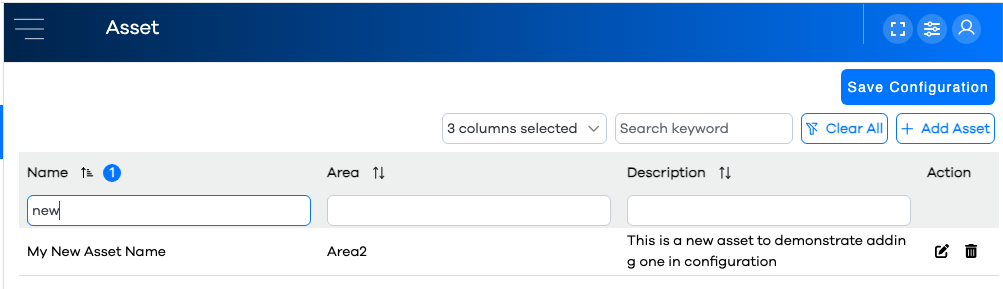
Editing Assets
Assets are edited by clicking the button in the .
The list of current assets will be displayed in a Configuration Grid. The columns (asset parameters) available to display in the grid are:
Adding a New Asset
Click on the button in the upper right above the grid. The asset's attributes will be exposed, and will appear differently whether this is a PEER™ asset, an ABLE™ asset, or both. If the asset is an ABLE™ asset, you will be presented with a wizard for modifying its constituent components (i.e. Basic Info, Items, Conditions, etc).
Specify the parent Area to which this asset belongs
Optionally, enter a textual description of the asset
Specify the appropriate basic asset info, based on the product(s) to which it applies (and with ABLE™ assets, go through and specify its constituent components)
Click the button
Note that your new asset appears as a row in the grid
Warning
If your grid is filtered or sorted, be mindful that the new row might not be visible on the current page of rows, or based on the current column filters and/or keyword search.