Editing Areas
Areas are edited by clicking the button in the .
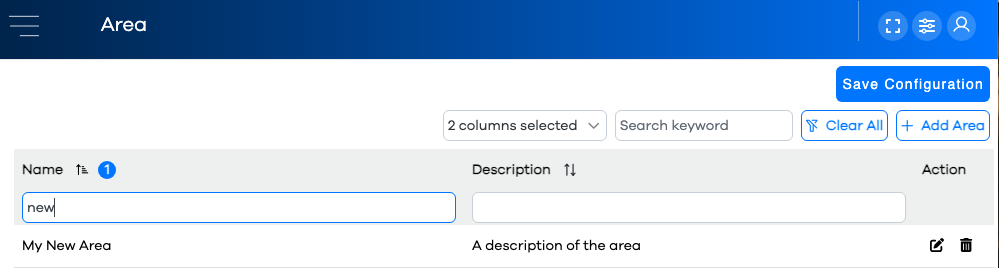
The list of current areas will be displayed in a Configuration Grid. The columns (area parameters) available to display in the grid are:
Adding a New Area
Click on the button in the upper right above the grid.

Specify a unique area name, ideally relatively short
Optionally, enter a textual description of the asset
Click the button
Note that your new area appears as a row in the grid
Warning
If your grid is filtered or sorted, be mindful that the new row might not be visible on the current page of rows, or based on the current column filters and/or keyword search.