Asset Status Selection
Status and Reason tagging is done from the Operator Console, which is accessed by clicking the button in the left-hand navigation bar.
Click the button in the upper-right of the Operator Console.
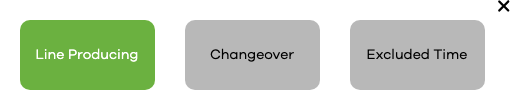
Select the appropriate gray reason button. This will expose its child reasons, if it has any. Once you've reached the terminal level of the reason hierarchy, you will be presented with a confirmation to accept the status change.
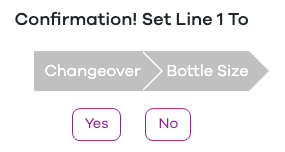
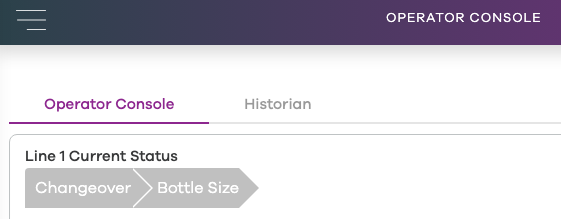
Once you've confirmed, the Edge Service will be notified of your selection, and will change its current condition accordingly. Notice the current reason is now displayed under the Line name.
Note
A manual asset status change may be overridden by another condition based on priority. For example, ABLE™ can be configured such that if a line starts running during an Excluded Time downtime event, it will take the asset out of downtime, and start an uptime event. Alternatively, it can also be configured such that an operator has to manually trigger the transition back to normal production.