Exporting Events
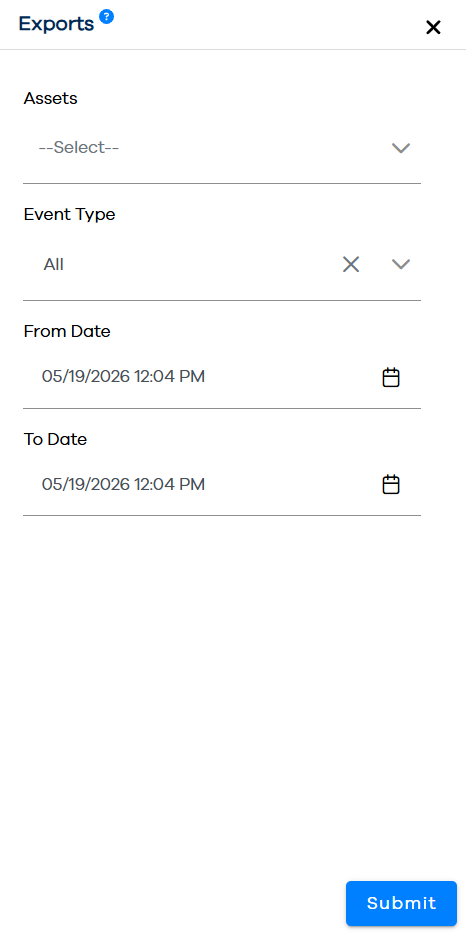
Exporting can be accessed by selecting the Export option from the left side panel. Once selected, users can export Able data shown in Events, or PEER data shown in Tickets. Regardless which option is selected, users will be allowed to configure their exports to their desired settings. If Exporting Events is selected, users will be able to select which Assets will be included, the Event Type, and the exact timeframe.