Filters
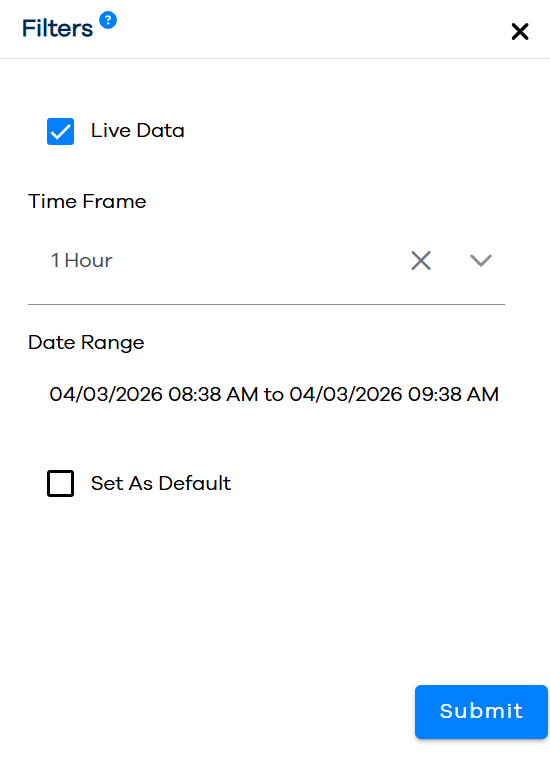
The Filters option is accessible from the top right corner of the app, using the Filter button.  This button is available and functional from all of the various views within the app. The Filter option allows users to select what date and timeframe they would like to view. The additional options available within the Filter section will vary depending on what view they are being accessed from. Below we will discuss the specific options available from the different views. (Need to add screenshots and details for each Filter page for the separate views from Able and PEER. PEER views all share the same Filter options; Manage Peer Tickets, Message Center, Reporting Center, Broadcast Center and One Click Center. Able has separate Filter options for the different views. Layout View, Operator View and all of the KPI Views share the same Filter options. DNA View, Replay View and Historian view share the same Filter options.)